

New York City in Minecraft: The 1:1 Build That Took Years
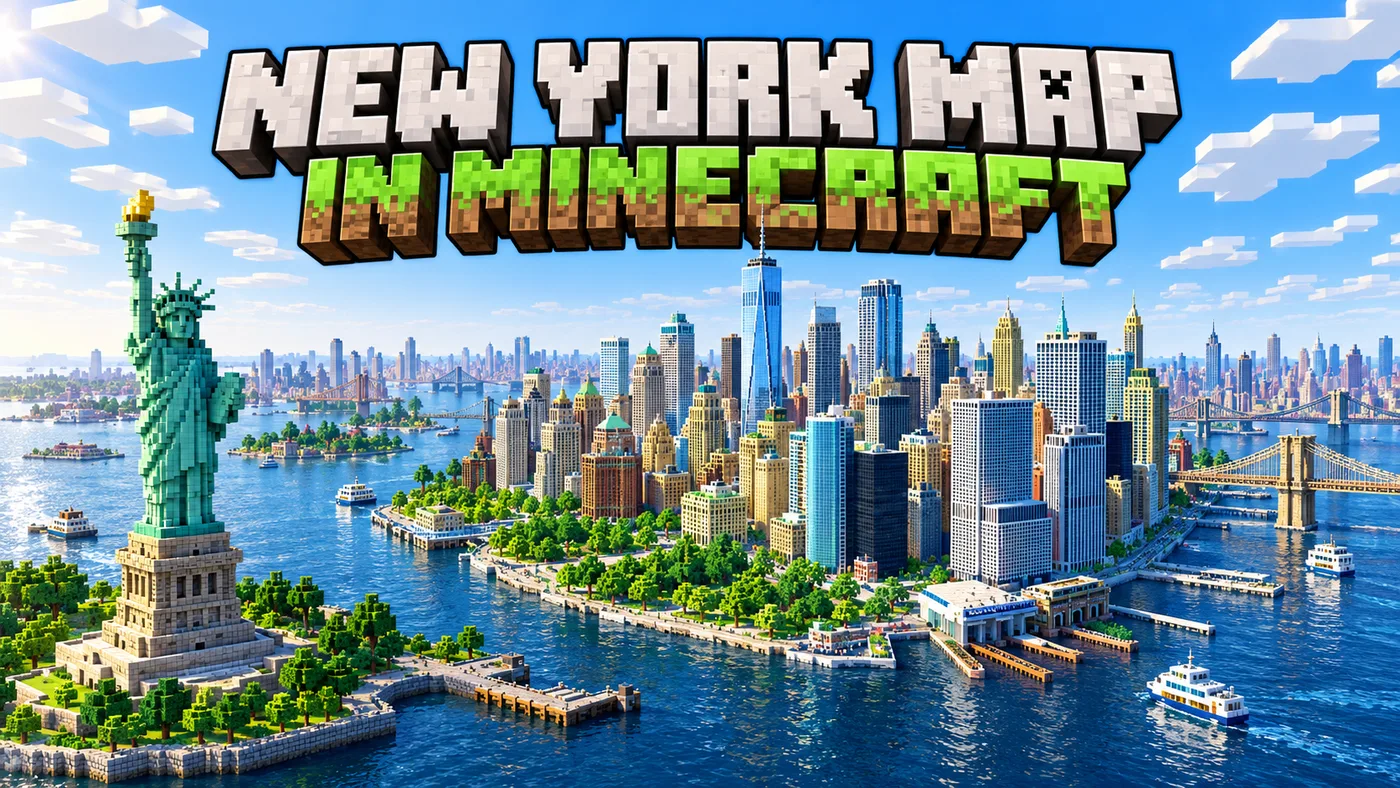
Since 2020, Minecraft builders have been recreating New York City at a true 1:1 scale as part of Build The Earth, a global project attempting to rebuild the real world inside Minecraft.
The New York team has already recreated large parts of Lower Manhattan, including areas around the World Trade Center, Tribeca, Chinatown, SoHo, Battery Park City and Liberty Island. More than 50,000 buildings have been placed across the wider project, with volunteers continuing to expand the city block by block.
That level of detail takes years because the final buildings still require enormous amounts of manual work. But if your goal is simply to get a real city, neighbourhood or landmark into Minecraft and start building from there, you no longer need to begin with an empty world.
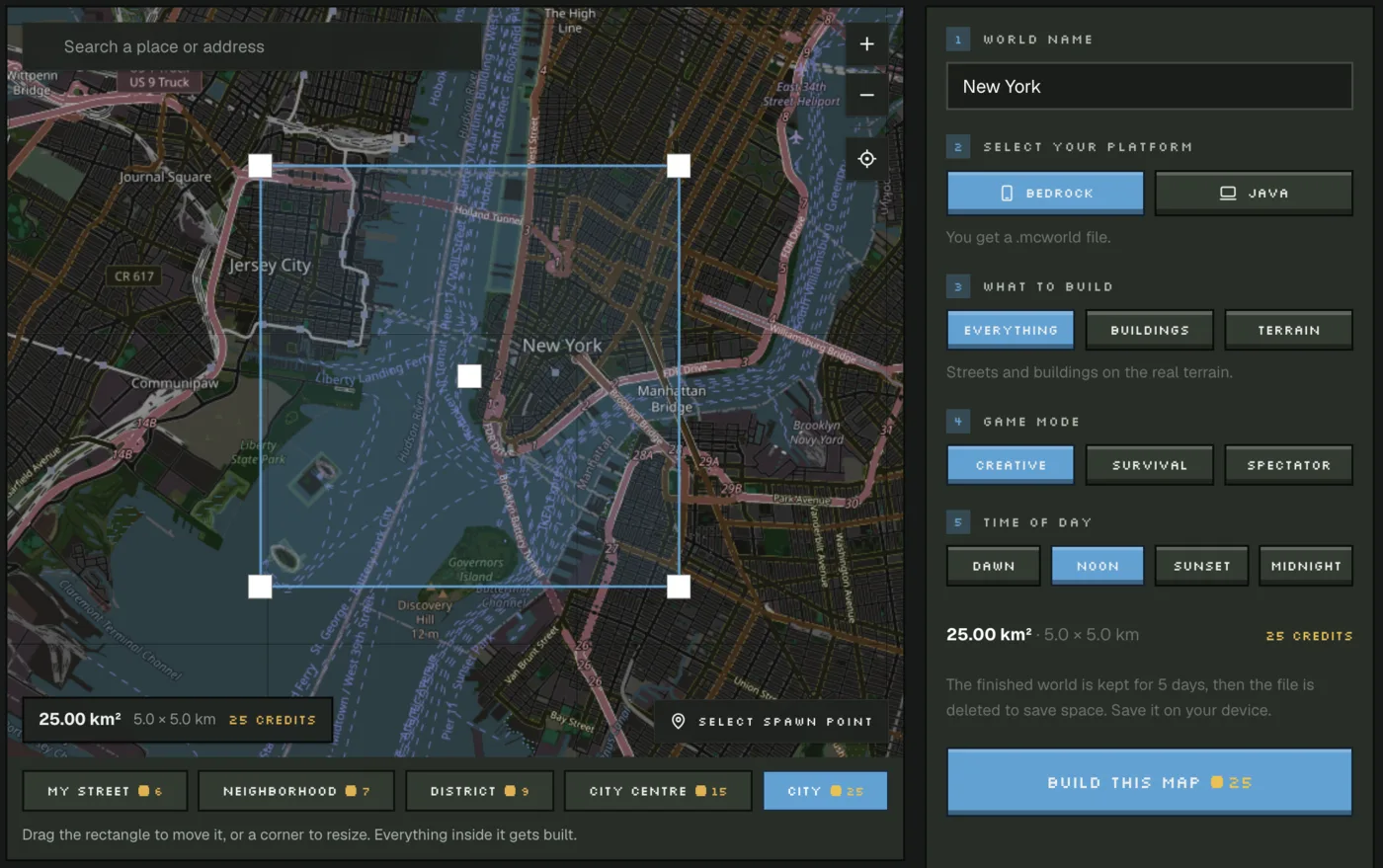
Photo2Skin's Real World Minecraft Map Generator can generate a playable Minecraft world from real map data, including roads, buildings and terrain. Pick a location, select an area, choose your edition and use the generated world as the starting point for your own build.
How New York City Is Being Rebuilt in Minecraft
Build The Earth launched in 2020 with an ambitious idea: recreate the entire planet in Minecraft at 1:1 scale. Real-world geography provides the base, while regional teams work on the cities, landmarks and buildings that make each place recognizable.
New York quickly became one of the project's biggest builds. Instead of creating a fictional version of Manhattan, builders try to place streets and structures where they actually exist in the real city.
The scale is what makes the project unusual. A real city block becomes roughly the same size in Minecraft, so neighbourhoods, bridges and landmarks have to fit together as part of one continuous map rather than as isolated builds.
Why a 1:1 Minecraft City Takes So Long
Real-world data can provide the geography, but it cannot automatically reproduce every facade, roof, window, sign and architectural detail.
That work is still done by builders using photos, maps and other references. A building footprint might tell you where a structure stands, but turning it into something that actually looks like the real building requires manual interpretation.
This is why a detailed recreation of a city like New York can take years even with thousands of contributors.
Generate a Real-World Minecraft Map Instead of Starting From Zero
For most players, recreating an entire city by hand is not realistic. A Minecraft map generator gives you a much faster starting point.
Photo2Skin uses open geographic data to turn a selected real-world location into a playable Minecraft world. Depending on the available data, the generated map can include real roads, building footprints, water and terrain elevation.
You can generate part of New York, your hometown, your neighbourhood, a school, a coastline or another mapped location and immediately start exploring or editing the result.
The generated world is not meant to replace the hand-built detail of Build The Earth. It gives you the underlying real-world layout so you can spend your time improving the places that matter instead of manually placing every road and building footprint first.
How to Turn a Real Place Into a Minecraft World
- Search for a location. Find a city, neighbourhood, landmark or other place you want to recreate.
- Select the area. Move and resize the map selection around the part you want to generate.
- Choose your Minecraft edition. Select the available world format for how you plan to play.
- Generate the world. The map generator converts available geographic data into a playable Minecraft world.
- Open it and keep building. Explore the generated location or add your own buildings, interiors and details.
What Can You Generate?
The generator is useful for much more than famous cities. You can use it to create a Minecraft world based on places that actually mean something to you.
- Your neighbourhood or street
- Your hometown
- A city centre
- A school or university area
- A famous landmark
- A coastline, river or mountain area
- Part of New York, London, Paris or another major city
The quality of the result depends on how much geographic information exists for the selected location. Well-mapped urban areas generally contain more roads, buildings and structural data than remote areas with limited mapping.
Generate the Base, Then Add the Detail Yourself
The most useful way to think about a real-world Minecraft map generator is as a starting layer.
It can establish the shape of the real place: where the roads go, where buildings stand and how the terrain rises and falls. You can then replace basic generated structures with detailed versions, rebuild important landmarks properly or add interiors and decorative elements.
That is similar to the broader idea behind projects like Build The Earth: start with real geography, then use Minecraft building skills to make the world convincing.
Build The Earth vs a Real-World Minecraft Map Generator
Build The Earth and an automatic map generator solve different problems.
Build The Earth is a long-term community project focused on creating highly detailed recreations of real locations. Its strongest results come from the work of human builders who can reproduce architecture far beyond what geographic data alone contains.
A real-world Minecraft map generator is designed for speed. It gives one player a recognizable version of a real location without requiring months or years of preparation.
If you want architectural accuracy down to individual buildings, manual work is still necessary. If you want to quickly get a real place into Minecraft and start exploring or building, generation is the practical option.
New York City in Minecraft FAQ
Is New York City really being rebuilt in Minecraft at 1:1 scale?
Yes. The Build The Earth New York team has been recreating the city at 1:1 scale since 2020. Large parts of Lower Manhattan and other areas have already been built, and the project continues to expand.
Can I generate New York City as a Minecraft map?
Yes. You can use the Real World Minecraft Map Generator to select an area of New York and generate a playable world from available road, building and terrain data.
How do I turn a real-world location into a Minecraft world?
Choose the location on a map, select the area you want, choose the Minecraft world format and generate it. The resulting world can then be opened in Minecraft and edited further.
Can I generate my own city or neighbourhood in Minecraft?
Yes. You can generate many real-world locations, including neighbourhoods, towns, city centres, landmarks and other mapped areas. The amount of detail depends on the data available for that location.
Does a real-world Minecraft map include actual streets and buildings?
It can include real road layouts, building footprints, water and terrain based on open geographic data. These features provide a recognizable base rather than a fully hand-detailed architectural recreation.