Real Playable Skins
Generate actual 64×64 Minecraft skin PNGs, not just AI images of Minecraft-style characters.
Create real, playable Minecraft skins with AI from photos, images, text prompts and Roblox avatars. Preview your character in 3D, customize it and download a 64×64 PNG for Minecraft Java or Bedrock.
On the App Store · Works in Java & Bedrock · Also on the web
Start with a photo, character image, text prompt or Roblox avatar. Photo2Skin turns each input into a real Minecraft skin you can preview, customize and use in-game.
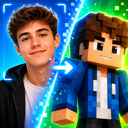
Upload a selfie or photo and let AI recreate your appearance as a playable Minecraft skin. Compare generated variations, preview the result in 3D and choose the version you want to use.
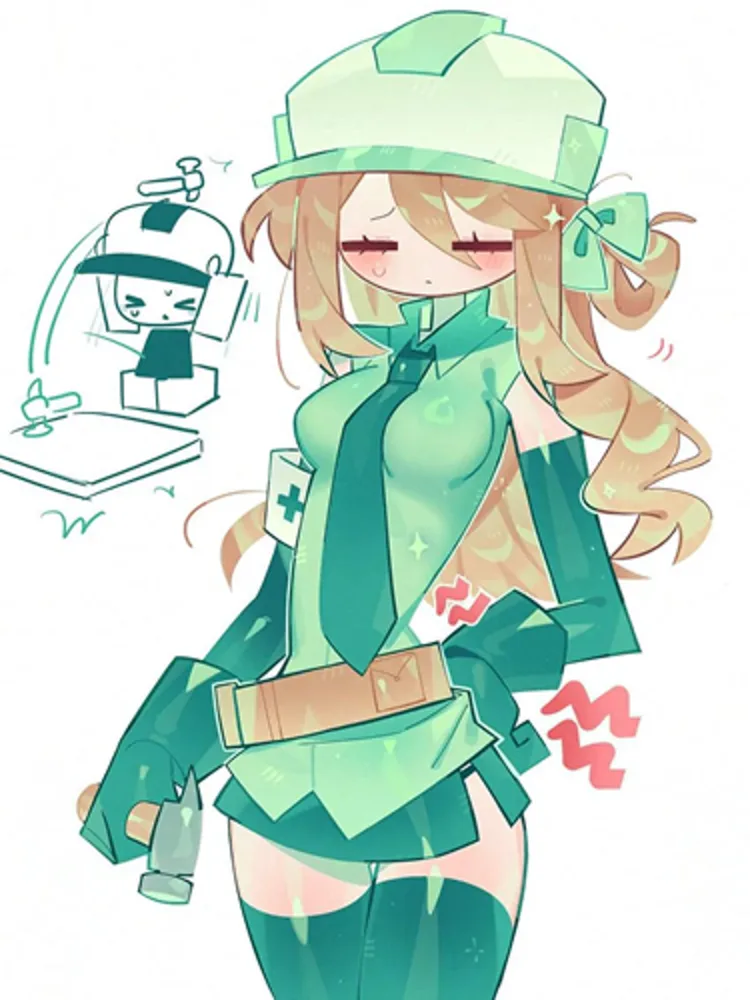
Upload artwork, an avatar, character image or screenshot. AI adapts the visual reference to a playable Minecraft skin while keeping recognizable colors, clothing and character details.
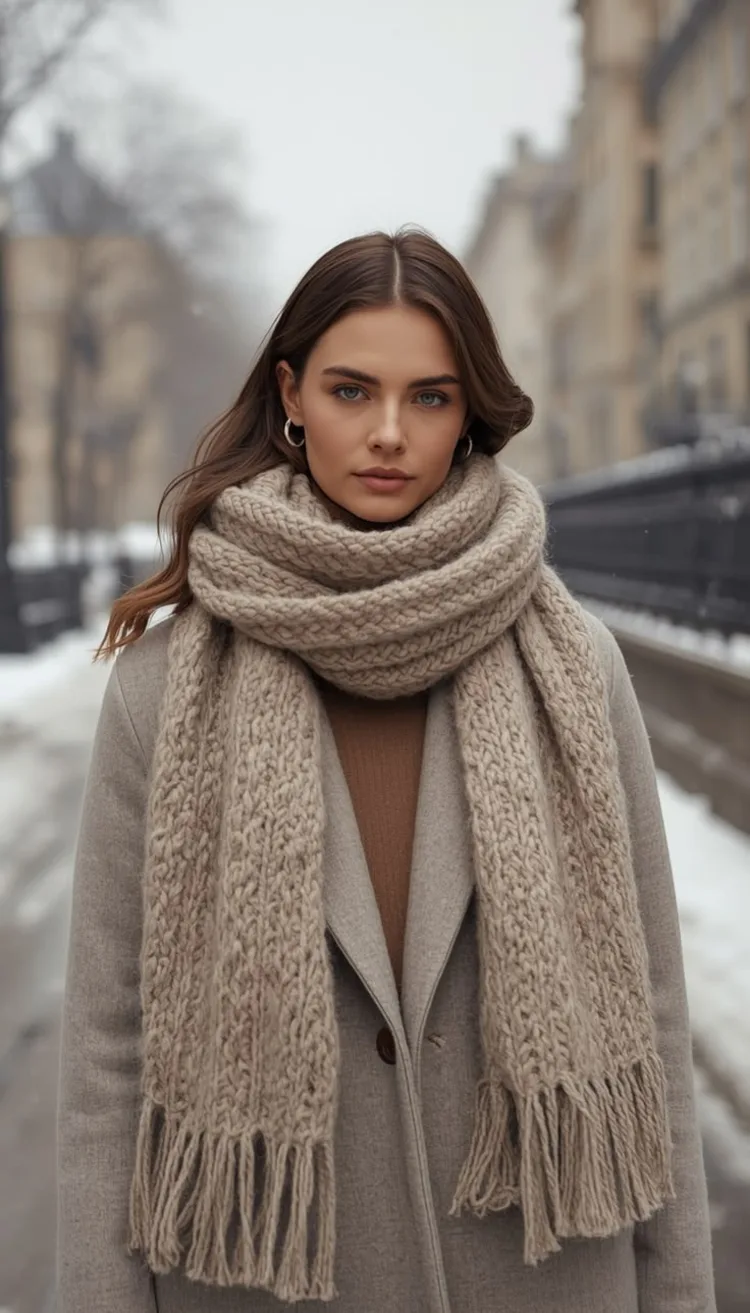
Type what you want your Minecraft character to look like: clothing, colors, hair, creature features or an original idea. Then generate a playable skin without starting from an image.
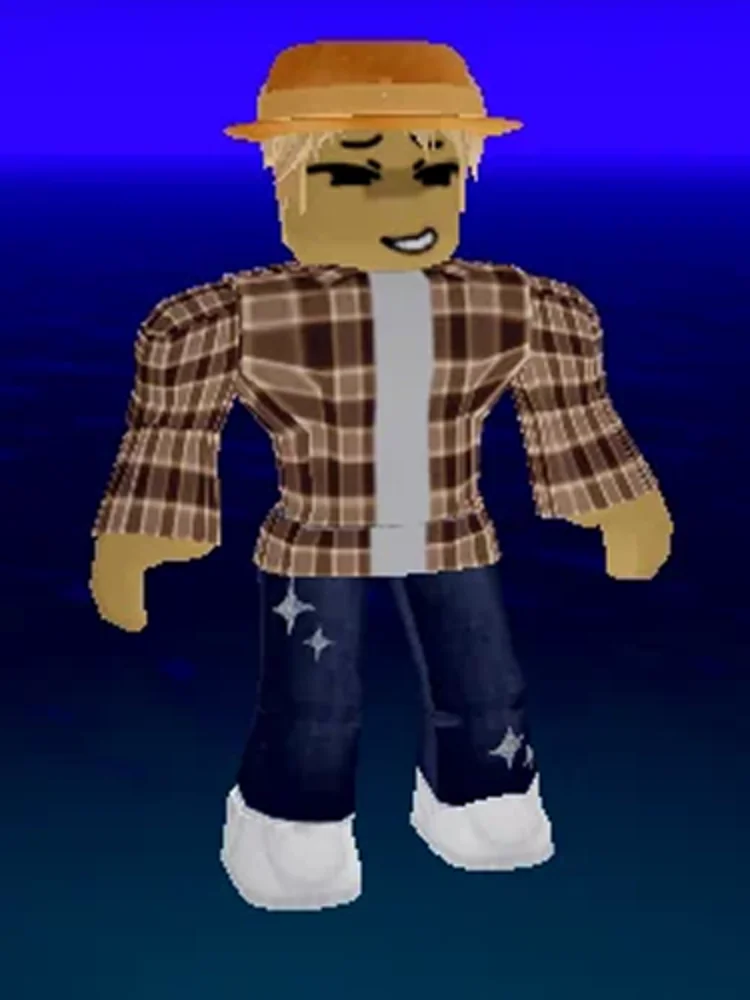
Upload screenshots of your Roblox avatar and turn its recognizable outfit, colors and character details into a playable Minecraft skin.
After generating a skin, refine it in the editor, or use Photo2Skin's other Minecraft tools for pixel art and custom creations.
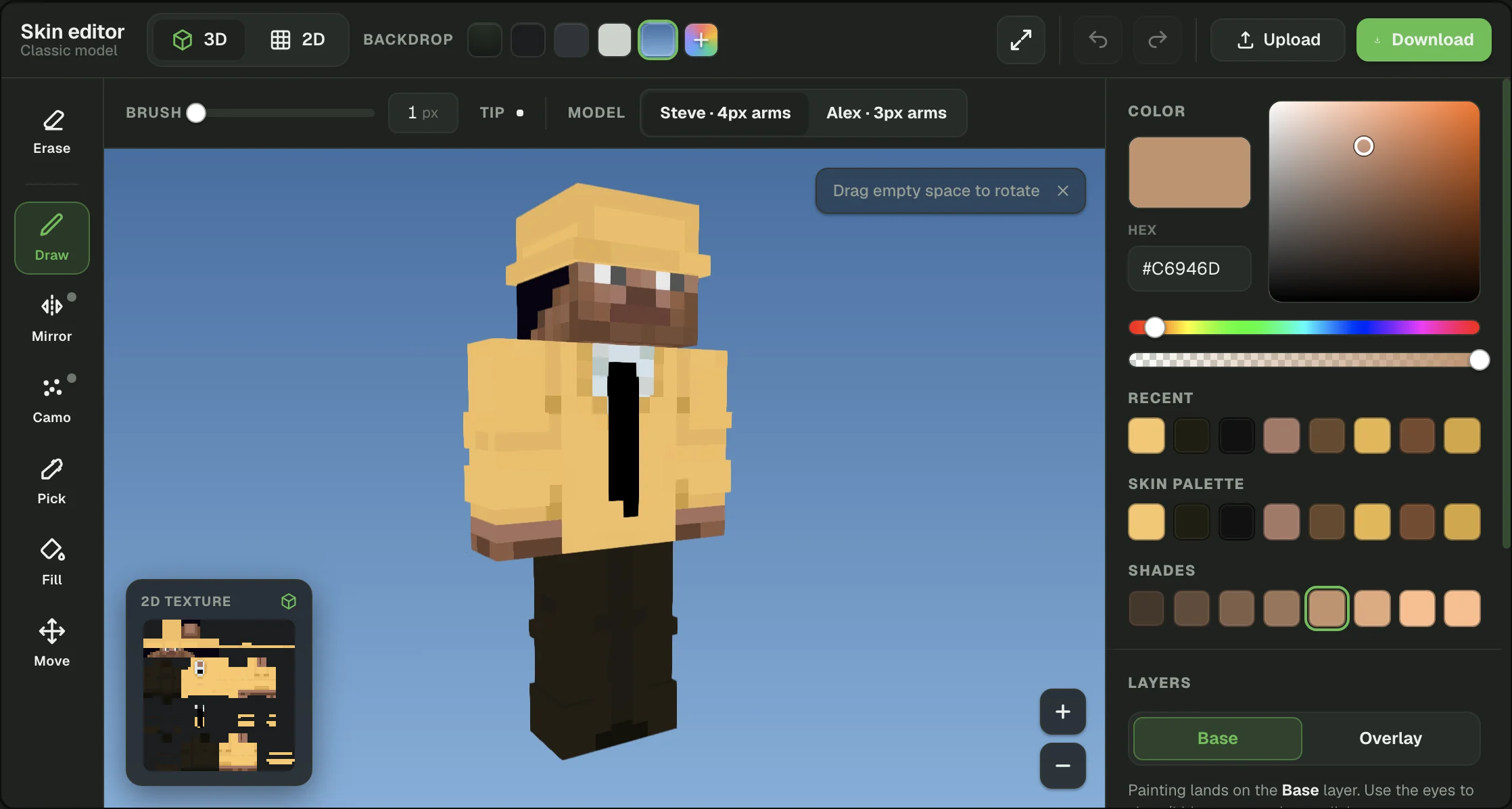
Open a generated skin or upload your own. Paint individual pixels in 2D or directly on the 3D model, adjust colors and body parts, then download your finished skin.
Transform a photo into blocky Minecraft-style artwork. Use Pixelate when you want a pixel-art image rather than a wearable player skin.
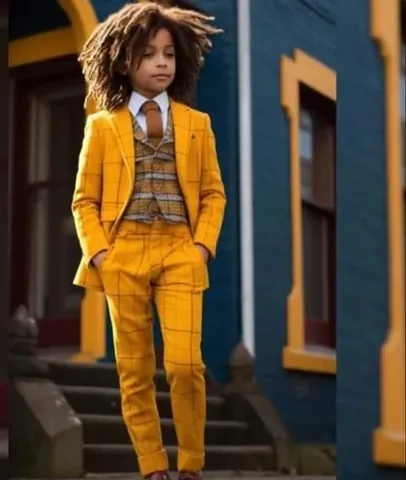 Original
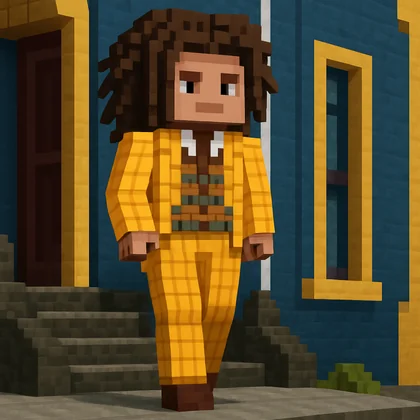 Pixelated
See playable Minecraft skins created with Photo2Skin from photos, character images, text prompts and Roblox avatars. Drag any skin to view it in 3D.
Generate actual 64×64 Minecraft skin PNGs, not just AI images of Minecraft-style characters.
Create a skin from a photo, character image, text prompt or Roblox avatar.
Check your generated character in 3D, then open it in the skin editor to refine individual details.
Download a standard Minecraft skin PNG ready to use with Minecraft Java or Bedrock.
Photo2Skin is an AI Minecraft skin generator built to create skins you can actually use in Minecraft. Instead of producing only a picture of a blocky character, it generates the character as a Minecraft skin texture that can be previewed, customized and downloaded as a 64×64 PNG.
You can start in four different ways. Turn a selfie or photo into a skin, convert artwork or another character image, describe a new character with a text prompt, or recreate a Roblox avatar for Minecraft. Each generator has its own input workflow, while the finished result remains a playable Minecraft skin.
The AI interprets visible or described details such as hair, clothing, colors and recognizable character features, then adapts them to the Minecraft player model. After generation, preview the character in 3D to check the front, back and sides before deciding whether to download it or make further changes.
Generated skins can also be opened in the Minecraft Skin Editor. There you can refine individual pixels, change colors and adjust parts of the design without starting the entire generation again.
Beyond skins, Photo2Skin keeps growing into a full set of AI Minecraft tools. Turn any real place into a playable Minecraft world with the Real-World Map Generator, look up any player's skin with the Skin Grabber, turn photos into Minecraft-style pixel art, and browse or share free skins in the Skin Library. A cape editor and avatars made from your skin are coming next, with more Minecraft tools on the way.
An AI Minecraft skin generator creates a playable Minecraft skin from an input such as a photo, image or text description instead of requiring you to draw the entire skin pixel by pixel. Photo2Skin can generate skins from photos, character images, text prompts and Roblox avatars.
Yes. Photo2Skin generates actual Minecraft skin files rather than only Minecraft-style character pictures. Generated skins can be previewed in 3D and downloaded as 64×64 PNG files.
Choose how you want to start: upload a photo, upload a character image, write a text prompt or provide Roblox avatar screenshots. Photo2Skin generates the skin, lets you preview the character in 3D and gives you the option to edit or download the result.
Yes. Use the Photo to Minecraft Skin generator to upload a selfie or photo. The AI uses your visible appearance as a reference and creates a playable Minecraft skin based on it.
Yes. The Image to Minecraft Skin generator accepts a visual reference such as artwork, an avatar, character image or screenshot and adapts it into a Minecraft skin.
Yes. With Text to Skin, describe the character you want, including details such as clothing, colors, hair or creature features. Photo2Skin uses the prompt to generate a playable Minecraft skin.
Yes. Upload screenshots of your Roblox avatar to the Roblox to Minecraft Skin generator. Photo2Skin uses the avatar's appearance as a reference for the Minecraft skin.
Yes. Photo2Skin's generated standard skins are downloadable as 64×64 PNG files for use as custom skins in Minecraft Java and Bedrock.
Yes. Open the generated skin in the Photo2Skin Minecraft Skin Editor to change individual pixels, colors and character details while previewing the result on a 3D model.
The iOS app works without a sign-up. On the web app, you sign in with Google so your skins can be saved to your account and accessed across devices.
Start with a photo, image, text prompt or Roblox avatar and turn your idea into a playable Minecraft skin.

No iPhone? Create a Minecraft Skin on the Web →