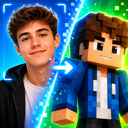

Minecraft Skin Commissions: How AI Helps Artists Create Custom Skins Faster
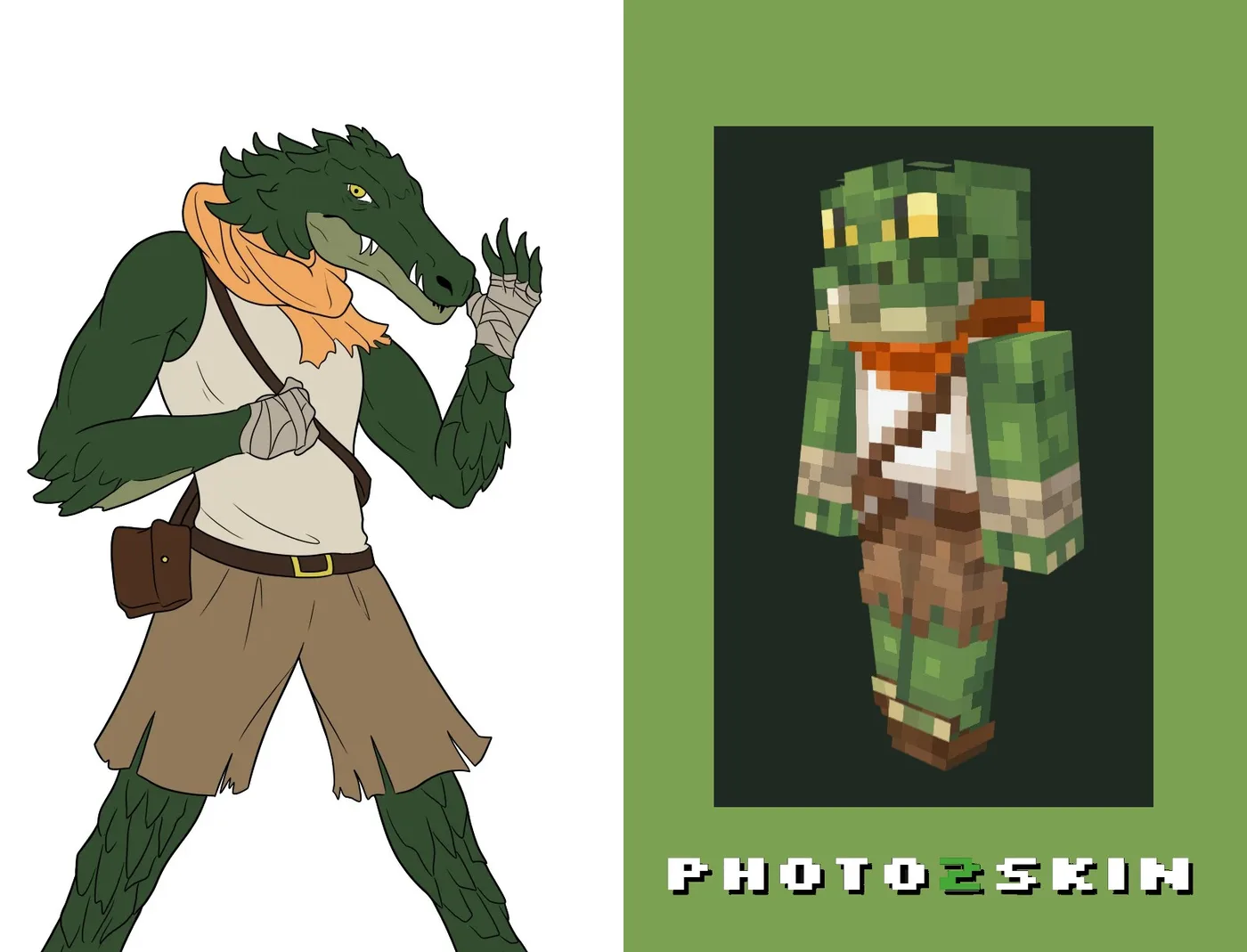
Minecraft skin commissions let players hire an artist to create a custom skin from an idea, character, avatar or reference image. Traditionally, that means the artist starts with an empty Minecraft skin and builds the design pixel by pixel.
AI can make the first stage much faster without removing the artist from the process. Photo2Skin can turn client references into editable Minecraft skin drafts, giving artists a starting point they can refine, correct and finish in their own style.
For artists handling multiple commissions, the workflow can be simple:
Where the Time Goes in a Commission
The stage AI shortens is the blank-template one: reading the reference and laying down a first version of the character. Everything after that is still the artist's work. The rough shape of a commission usually looks like this — times vary with the character, the reference quality and how much hand-finishing you do.
| Stage | Blank template | With an AI draft |
|---|---|---|
| Blocking out the character, palette and outfit | 45–90 min of pixel work | About a minute, then review |
| First preview for the client | After most of the skin exists | Before the detailed work starts |
| A change of direction after feedback | Often means redrawing large areas | Regenerate a base, keep the finished parts |
AI does not replace creativity and artists! It clears the repetitive setup so artists spend their time on design and detail, making their work faster and more efficient — so they can serve more clients. And it lets anyone with an idea but little pixel-art practice enable their creativity and get their custom character into Minecraft.
Can AI Help Artists Take On More Commissions?
Yes — when first drafts eat a big part of the workload. You stop rebuilding every character from a blank layout, and you can show a client the direction early instead of after the skin is half-finished. Complex characters still need real hand editing; that part does not go away.
What Is a Minecraft Skin Commission?
A Minecraft skin commission is a custom skin an artist makes for one player, from whatever they send — character art, a game avatar, a photo, an outfit, or just a description. It is more than shrinking an image to 64×64: the clothing, hair, face and colors have to wrap right around the head, body, arms and legs.
Using AI for Minecraft Skin Commissions
AI helps most at the start. Instead of every request beginning on an empty template, an artist generates a draft from the client’s reference, then edits pixels, shading and clothing and adds their own style before anything is delivered. It is a production tool for Minecraft skin artists — less time on basic drafts, more on the details that make their work theirs.
Turn Client References Into Minecraft Skin Drafts
Photo2Skin makes a starting skin from whatever the client sends — a photo, an image, a description or a Roblox avatar.
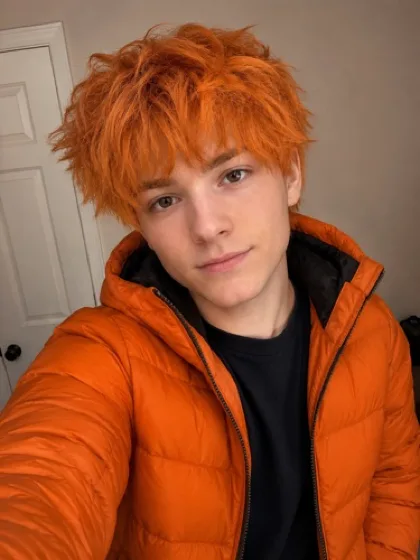
Create a Minecraft Skin From a Photo
A selfie, cosplay or outfit photo goes to the Photo to Minecraft Skin generator, which reads the person, clothing and colors into a Minecraft skin draft — a base to correct and polish rather than rebuild. Full walkthrough: how to turn a photo into a Minecraft skin.
Convert Character Art or an Image Into a Skin
Digital artwork, an original character, a mascot or a game screenshot goes to the Image to Minecraft Skin generator, which rebuilds the recognizable parts in skin format for the artist to reinterpret by hand.
Generate a First Concept From a Client Description
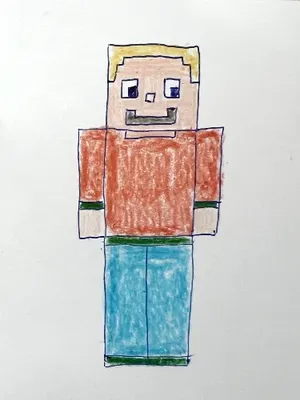
No reference at all — just a brief like “a zombie clown.” The Text to Minecraft Skin generator turns it into a visual starting point to edit toward the commission.
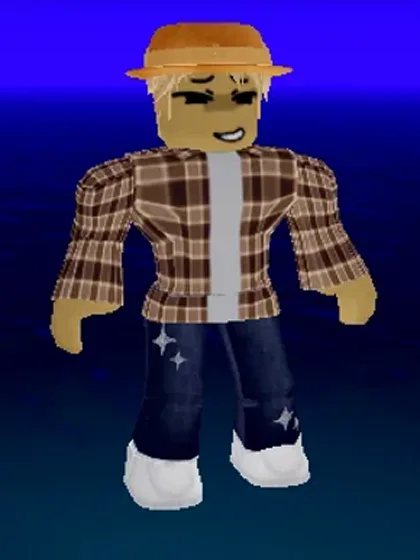
Convert a Roblox Avatar Into a Minecraft Skin
A screenshot of a Roblox avatar goes to the Roblox Avatar to Minecraft Skin converter, which keeps the clothing, colors and hair. The two games model characters very differently, so large accessories are where the artist improves the draft rather than shipping it unchanged.
A Faster Workflow for Minecraft Skin Artists
The biggest advantage for a professional Minecraft skin maker is not simply generating a skin faster. It is reducing repetitive work across many commissions.
- Collect the client’s references. Ask for images, avatars, artwork or a clear written description.
- Generate a first draft. Choose the appropriate Photo2Skin generator based on the reference.
- Review the result in 3D. Check how the design wraps around the complete Minecraft character.
- Edit the skin manually. Correct pixels, improve shading and redraw details that need an artist’s attention.
- Show the client a preview. Use the draft to establish the direction before spending additional time on fine details.
- Apply revisions and finish the commission. Incorporate feedback and export the completed skin.
This approach can be particularly useful for artists taking several Minecraft skin commissions at once. AI handles part of the initial interpretation while the artist remains responsible for quality, style and the final result.
Edit AI Skin Drafts Instead of Starting From Zero
Generation is only one part of the workflow. Photo2Skin also includes a 64×64 Minecraft Skin Editor for manually working on the generated skin.
Artists can inspect the character in 3D while editing individual areas of the texture. This makes it easier to spot problems around the sides and backs of arms, legs, torso and other areas that are difficult to judge from a flat skin texture alone. If you have never used one, how to use a Minecraft skin editor covers the tools themselves.
The editor can be used to redraw generated details, adjust colors, clean up individual pixels and continue working on a commission until it matches the artist’s intended result.
Creating Higher-Resolution 128×128 Skins
For projects that use higher-resolution skin textures, Photo2Skin also provides a 128×128 HD Minecraft Skin Editor. The larger texture provides more pixels for detailed clothing, faces, patterns and shading where the target platform supports 128×128 skins.
AI Draft vs Finished Custom Minecraft Skin
An AI-generated draft and a finished commission should not necessarily be treated as the same product. Generation is useful for quickly establishing the character, palette and general design. An artist can then make the result distinctive.
| AI Draft | Artist-Finished Commission |
|---|---|
| Creates an initial interpretation quickly | Refines the design for the specific client |
| Establishes basic colors and clothing | Corrects colors, shading and pixel placement |
| Translates the supplied reference | Makes artistic decisions where the reference cannot translate directly |
| Provides a starting point for review | Incorporates client feedback and revisions |
| Reduces blank-template work | Adds the artist’s individual style and finishing work |
For artists, that distinction is important. AI can shorten the mechanical part of creating a custom Minecraft skin while leaving plenty of room for craftsmanship.
Can Clients Use Photo2Skin Before Hiring a Minecraft Skin Artist?
Photo2Skin can also help from the client side. Someone planning to order a custom Minecraft skin commission can generate a rough version of their idea before contacting an artist.
That draft becomes another reference. Instead of explaining the entire concept through text, the client can show the artist approximately how they want the character, colors and outfit to look.
The artist can then use the generated skin as a starting point, modify it extensively or simply use it as visual guidance for a new version.
AI Doesn’t Have to Replace Minecraft Skin Commissions
Custom skin commissions exist because players want something made specifically for them. AI does not change that requirement. What it changes is how much repetitive production work needs to happen before an artist reaches the creative part of the commission.
A Minecraft skin artist can use Photo2Skin for the parts where automation is useful and continue working manually where human judgment produces a better result. If you are weighing that up, can AI make Minecraft skins? looks at what the generators do and do not get right.
Whether the reference starts as a photo, character image, written idea or Roblox avatar, the goal is the same: get to a workable Minecraft skin draft faster, then make it your own in the Minecraft skin editor.
Minecraft Skin Commission FAQ
What is a Minecraft skin commission?
A Minecraft skin commission is a custom skin made for a specific client, usually by a Minecraft skin artist. The design can be based on an original character, avatar, artwork, photo, existing character or written idea.
Can Minecraft skin artists use AI for commissions?
Yes. AI can be used to generate an initial skin draft from a client’s reference. The artist can then manually edit and refine the result before delivering the finished commission.
Can I commission a Minecraft skin from a photo?
Yes. A photo can be used as a reference for a custom skin. Photo2Skin’s Photo to Minecraft Skin generator can also create an initial 64×64 draft that an artist can refine.
Can a Roblox avatar be used for a Minecraft skin commission?
Yes. A screenshot of a Roblox avatar can be used as a character reference. The Roblox to Minecraft Skin converter can create a first Minecraft interpretation before the artist manually improves the design.
Can AI-generated Minecraft skins be edited manually?
Yes. Generated skins can be opened in the Photo2Skin 64×64 skin editor to change individual pixels, colors and character details while checking the result on a 3D model.
Can Minecraft skin artists work with 128×128 skins?
Photo2Skin includes a separate 128×128 Minecraft skin editor for higher-resolution skin projects where that texture format is supported.
Does AI replace a professional Minecraft skin artist?
No. AI can produce a useful starting point, but commissioned artists can improve accuracy, make creative decisions, handle client revisions and add their own pixel-art style. For professional work, AI is most useful as another tool in the artist’s workflow.