

How to Create Assets for Minecraft Videos (Skins & Builds)
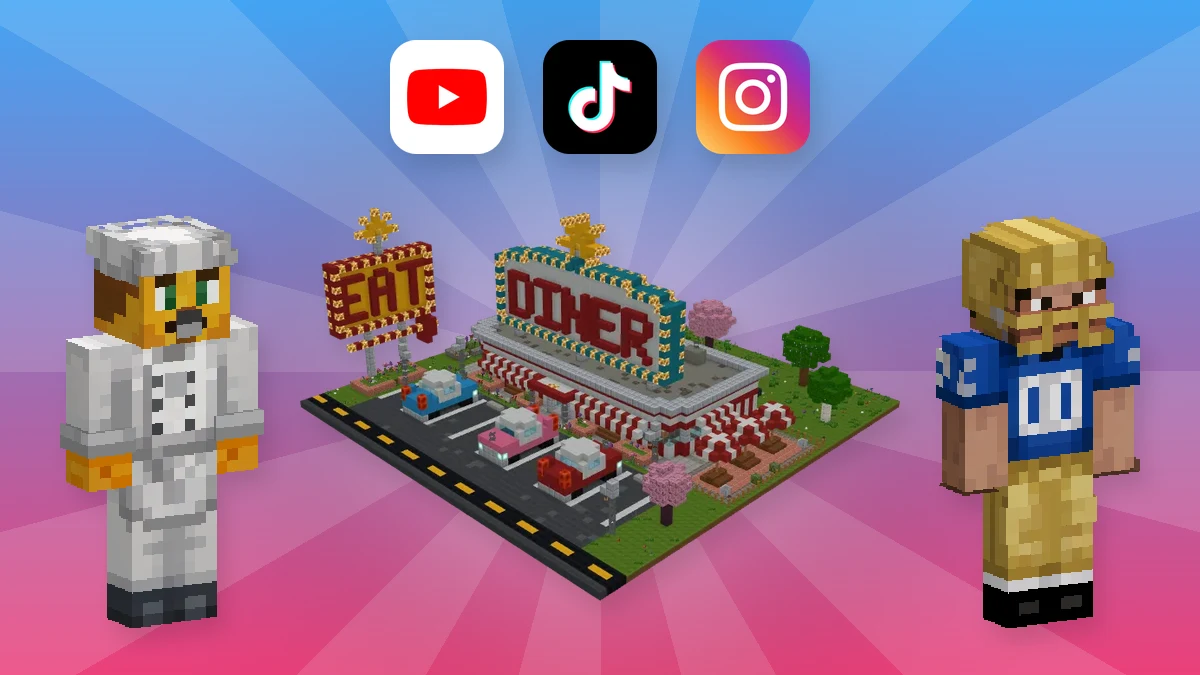
Every Minecraft video needs assets. An animation needs characters with the right skins. A roleplay series needs a town, a shop and a few props. Even a 30-second TikTok needs a set that fits the joke.
Building all of that by hand takes hours, often longer than the video itself. This guide shows how to create assets for Minecraft videos in minutes instead, with AI. You will see real examples, the prompts behind them, and how to get them into your recording.
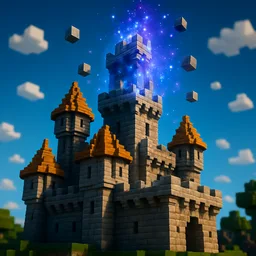 Build any setDescribe a scene and get it as a Minecraft build in minutes.BUILD NOW
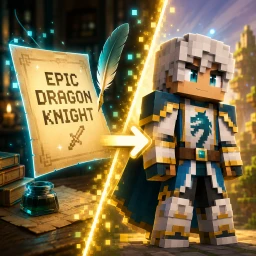 Make any characterDescribe a character and get a 64×64 skin you can use.CREATE NOW
What Counts as an Asset in a Minecraft Video
An asset is anything you place in front of the camera. In a Minecraft video, most of them fall into five groups:
| Asset | Example | Typical size |
|---|---|---|
| Character skins | A chef, a football player, a king | One 64×64 skin |
| Props | A well, a fountain, a market stall | 32-block build |
| Signs and logos | An event entrance or a channel logo | 32 or 64-block build |
| Scenes | A diner, a shop, a town square | 64-block build |
| Set pieces | A ship, a castle, a whole island | 256-block build |
Who Needs Minecraft Video Assets
- Animators. Minecraft animations in Blender or Mine-imator need a skin for every character and a background for every shot.
- YouTubers. Story series, roleplay and challenge videos need sets that match the script, not a random survival world.
- TikTok, Shorts and Reels creators. Short videos live on speed. A new set for every idea is only possible if it takes minutes.
- Event and server creators. Trailers, event intros and recaps need signs, stages and props in the server’s style.
- AI video makers. Even creators who plan their animations with ChatGPT or Claude still need real skins and real environments to film.
Create Environment Assets With AI
The AI Minecraft build generator turns a short description into a finished build. The workflow is simple:
- Describe one asset. Name the object, its material and one or two details.
- Pick a size. 32 blocks for a prop, 64 for a scene, 256 for a set piece.
- Check it in 3D. Walk around it like a camera would, then ask for changes in plain words.
- Download it. Take the world, a schematic or an add-on for Java or Bedrock.
Here are five assets made this way, each with the prompt behind it.
Wooden Market Stall
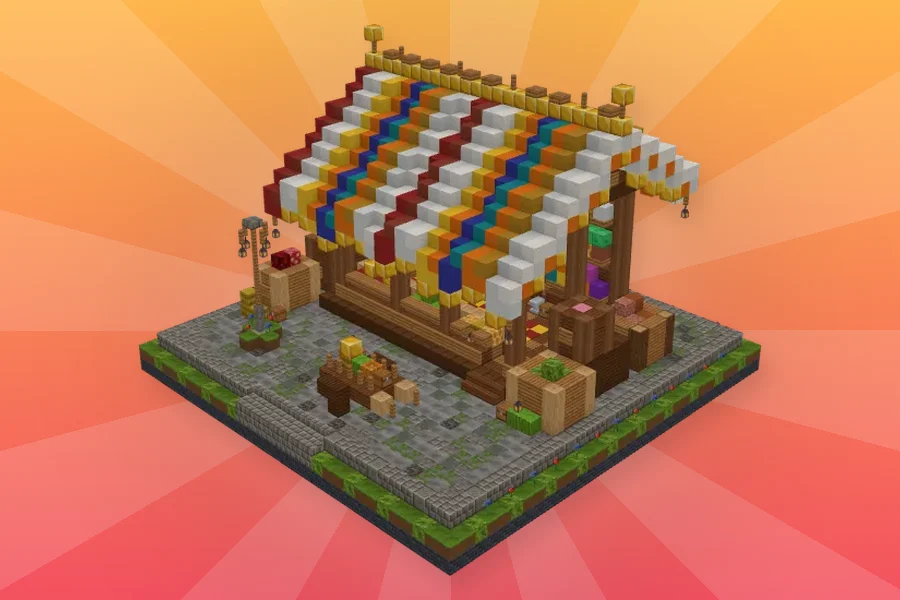
Wooden market stall with colorful fabric canopy
A small prop with a big job. Place three or four in a row, and you have a village market for a trading scene. It fits a 32-block grid with about 5,100 blocks.
Medieval Fountain
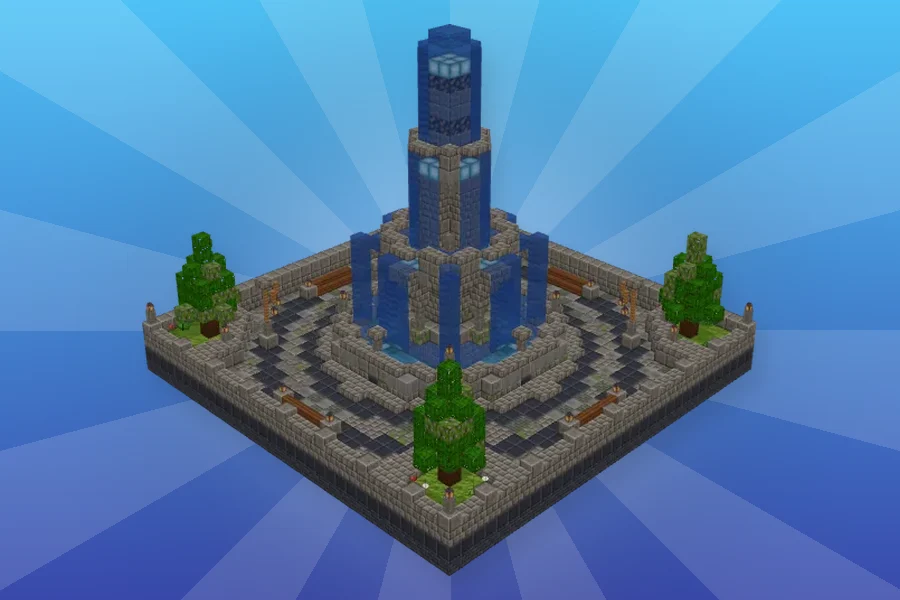
Circular medieval fountain with flowing water
Every town square needs a centre. This fountain gives your characters a place to meet, argue or make a deal. As a result, a flat background suddenly looks like a real town.
Stone Water Well
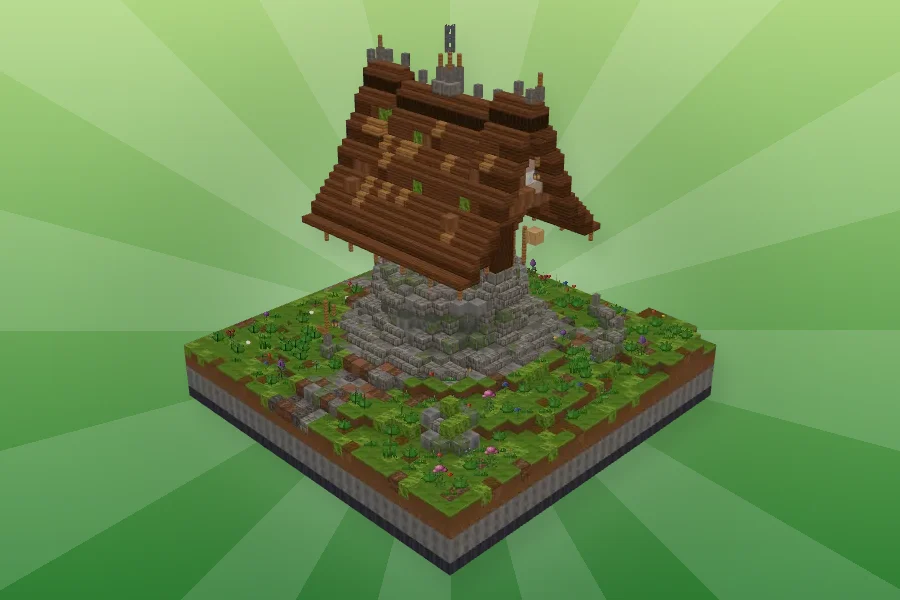
Medieval stone water well with wooden roof on a grassy hill
Wells are classic story props. For example, a quest starts there, a secret hides inside, or a villager falls in. Because it is small, you can drop it into any scene in seconds.
Theme Park Entrance Sign
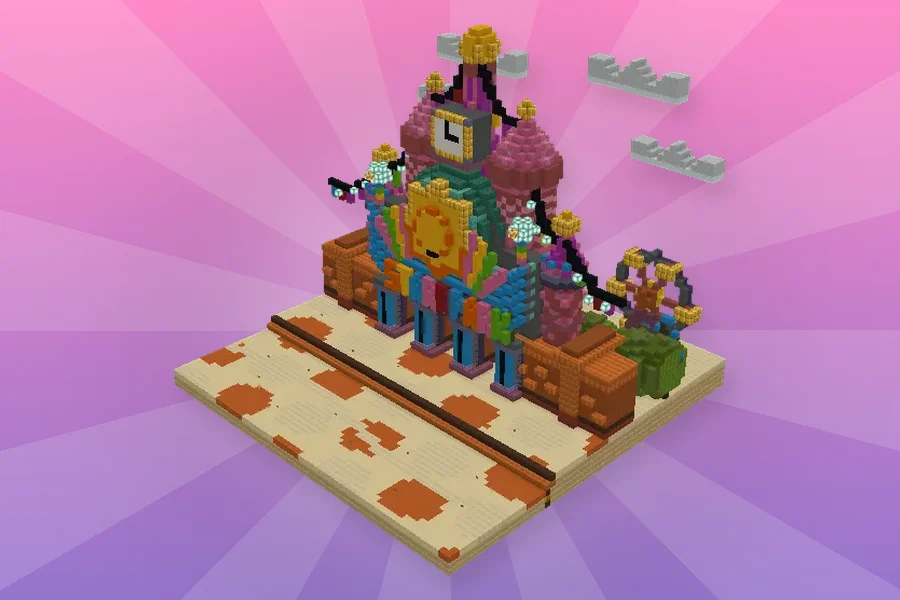
Create an entrance sign for a theme park, with colorful towers and flags
This one started from a prompt plus a reference picture. So it is the fastest way to turn a logo or a poster into a sign for your intro shot.
Retro American Diner
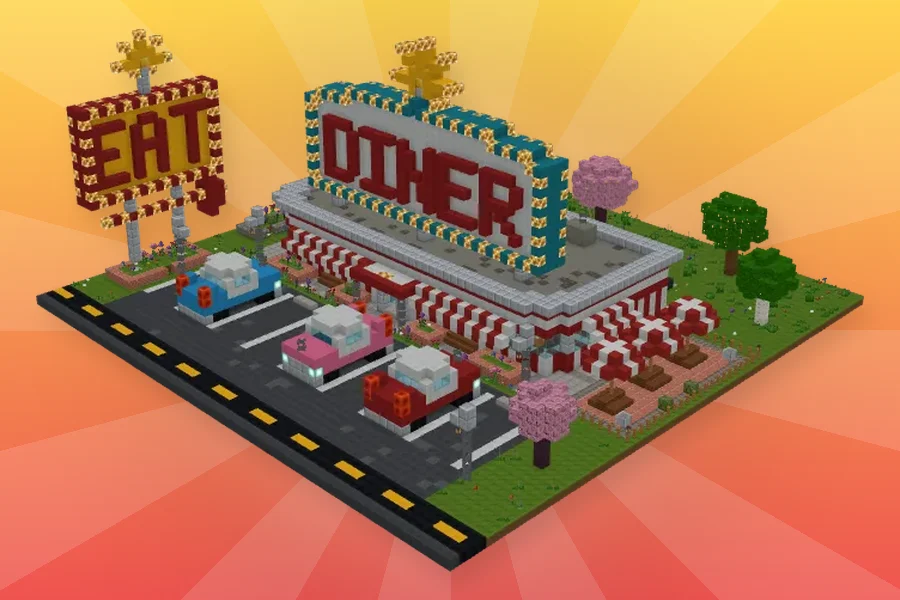
Retro American diner with red and white stripes, a checkerboard floor and vintage cars outside
A full scene in one build. In fact, the neon sign, the booths and the parking lot are all there. Your characters can walk in, sit down and start the episode.
Create your setType the scene from your script and walk through it in 3D.BUILD NOW
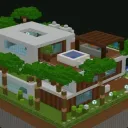 Photo → assetTurn a logo, poster or sketch into a Minecraft build.BUILD NOW
Go Big: Set Pieces for Story Videos
Some video ideas need a whole world, not a prop. Think of a Titanic sinking, a castle siege or a city in ruins. By hand, a build like that takes weeks. With AI, it takes minutes.
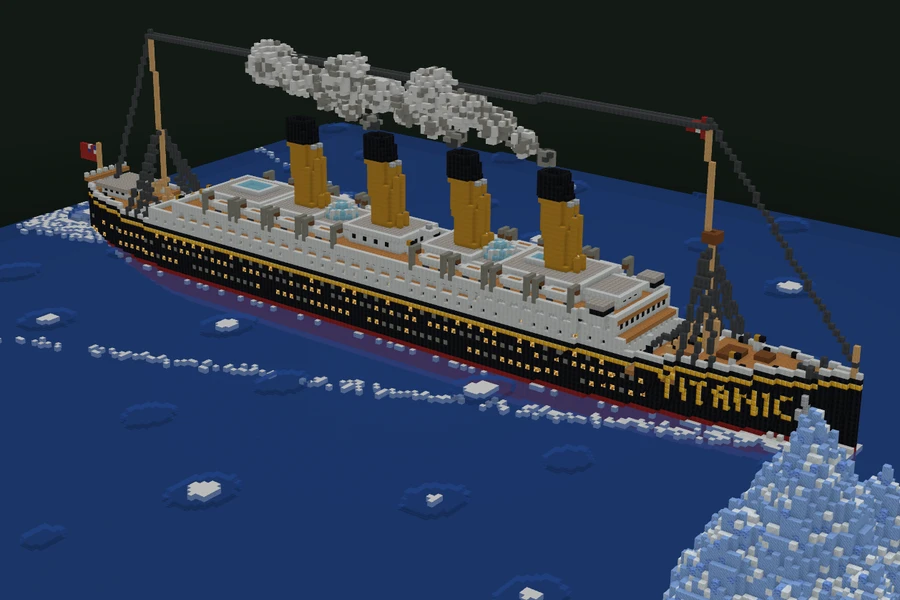
The Titanic ocean liner: black hull, white upper decks, four yellow-and-black funnels, lifeboats and a pointed bow, next to an iceberg
This Titanic stands on a 256-block grid with almost 360,000 blocks. It comes with the sea and the iceberg, so the scene is ready to film. For the same reason, it works as a background for a whole series, not just one shot.
Create Character Skins for Your Cast
Characters carry the story. That is why they need clear, readable skins. You can make each one from a text prompt or from a photo with the AI Minecraft skin generator.
Chef
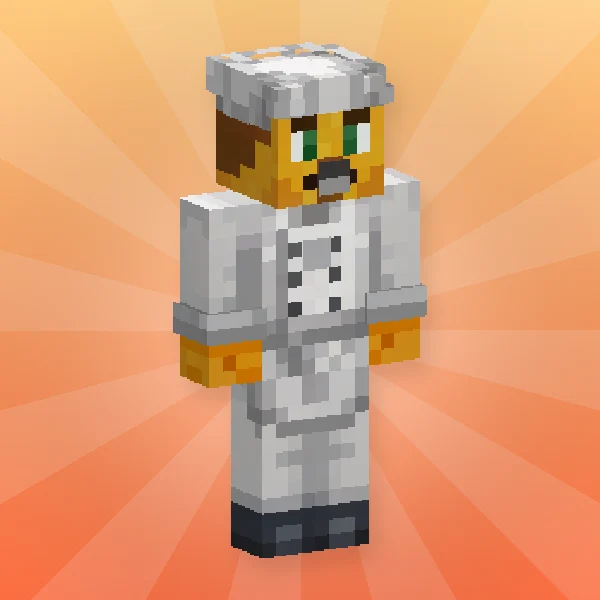
A chef in a white jacket and chef's hat, with an orange cat-like face
Pair this chef with the diner, and you have a cooking show or a restaurant series. The white uniform also stands out against any background.
Football Player
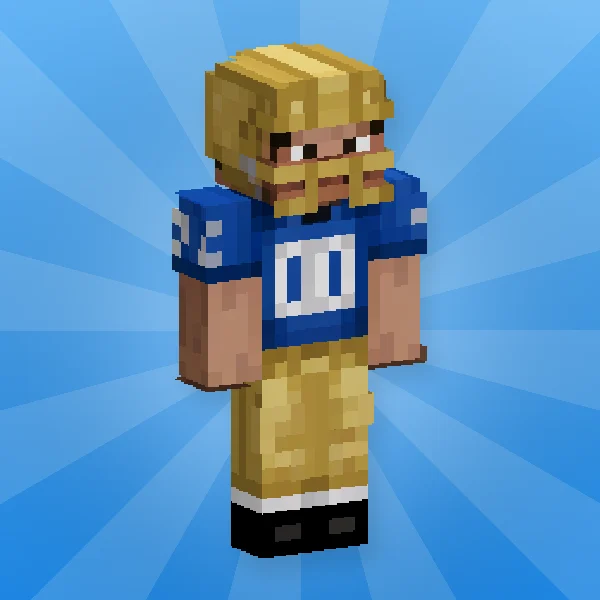
American football player with a gold helmet, a blue jersey and gold pants
Sports skits are huge on Shorts. So make one skin per team color, and you have a full match cast in a few minutes.
Royal Courtier
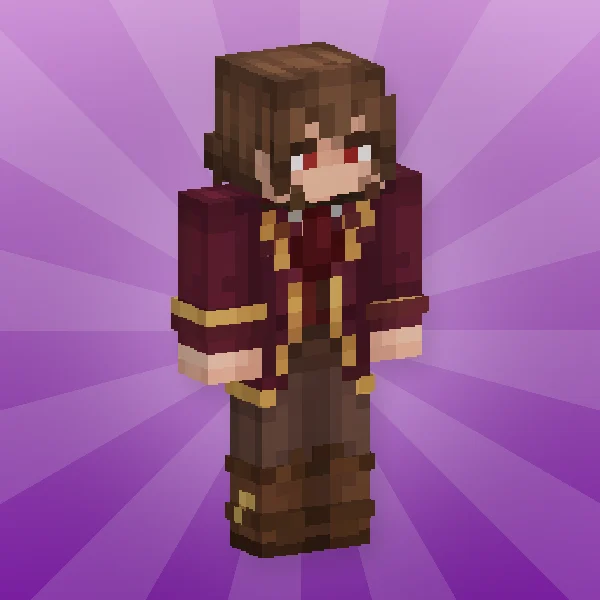
A noble from the age of kings and queens, in a maroon coat with gold trim. This skin came from a photo instead of a prompt. Use it for a royal court, a castle drama or a period roleplay.
Text → skinDescribe any character for your video and get the skin.CREATE NOW
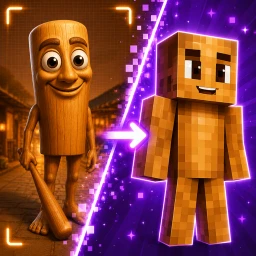 Photo → skinTurn a photo, costume or drawing into a Minecraft skin.CREATE NOW
Plan and Create a Whole Episode in ChatGPT
Got a script with ten scenes and six characters? Instead of making each asset one by one, hand the whole list to the Photo2Skin app in ChatGPT. It plans the assets with you, then makes them on your Photo2Skin account.
- Add the app. Open the Photo2Skin app in ChatGPT and connect your Photo2Skin account.
- Paste your script. Ask ChatGPT to list every character and every location the episode needs.
- Agree on the list. Fix names, outfits and sizes in the chat. ChatGPT tells you the credit price before it starts.
- Let it create. Skins are ready quickly. Builds take a few minutes each, and you get a link to see each one in 3D and download it.
- Change anything in words. For example, “make the chef’s hat taller” or “add a neon sign to the diner”.
A prompt that works well:
Here is my Minecraft animation script. List every character and location, then make a skin for each character and a 64-block build for each location with Photo2Skin.
Get Your Assets Into the Video
How you use an asset depends on how you film. Here are the three common setups:
- Recording in Minecraft. Download the build as a world and open it, or paste it into your filming world with a
.schemfile. Then record with your usual camera mods and shaders. - Animating in Mine-imator. Load each character’s skin
.pngon a player model. For the set, open the downloaded world and import the area as scenery. - Animating in Blender. Apply the skin
.pngto a Minecraft rig. Export the set from a Minecraft world with a tool like Mineways or jmc2obj, then import it into your scene.
Tips for Assets That Look Good on Camera
- Keep one scale. Use 32-block props inside 64-block scenes. Mixed scales look wrong next to the player.
- Match the palette. Name the same materials in every prompt, for example oak and cobblestone, so the assets look like one world.
- Keep your signature assets private. Switch a build to Private before you generate it. That way, your show’s main set stays yours alone.
- Fix it before you film. Ask for changes in words, such as “bigger sign” or “more light inside”. It is faster than editing blocks later.
- Give each character one strong color. On a phone screen, viewers tell characters apart by color first.
The Same Assets Work for Servers
Server owners need the same things: props for spawn, signs for events and sets for trailers. In fact, many video creators run a server too. For that side, see how to make builds for a Minecraft server fast.
Frequently Asked Questions
What are Minecraft video assets?
They are everything you put in front of the camera: character skins, props, signs, scenes and large set pieces. Animators, YouTubers and short-video creators all need them.
How do I create assets for a Minecraft animation?
Make the characters as skins and the sets as builds. With Photo2Skin, you describe each one in words or upload a picture. Then you check it in 3D and download it for your animation software or your world.
How long does it take to make a Minecraft build with AI?
Usually a few minutes. A small prop is quicker than a 256-block set piece, but both are far faster than building by hand.
What size should a Minecraft video set be?
Use a 32-block build for a prop and a 64-block build for a scene, such as a diner. For a large set piece, such as a ship, use 256 blocks.
Can I make a skin for my video character from a photo?
Yes. Upload a photo of a person, a costume or a drawing. The AI then turns it into a 64×64 skin for Minecraft, Mine-imator or Blender.
Can ChatGPT make Minecraft skins and builds for my video?
Yes, with the Photo2Skin app in ChatGPT. Paste your script, agree on the list of characters and locations, and it creates the skins and builds on your Photo2Skin account.
Do these assets work in Java and Bedrock?
Yes. Builds download as worlds, schematics or add-ons for both editions, and skins download as a standard Minecraft skin file.