
Top Apps for Designing Minecraft Skins on Mobile Devices
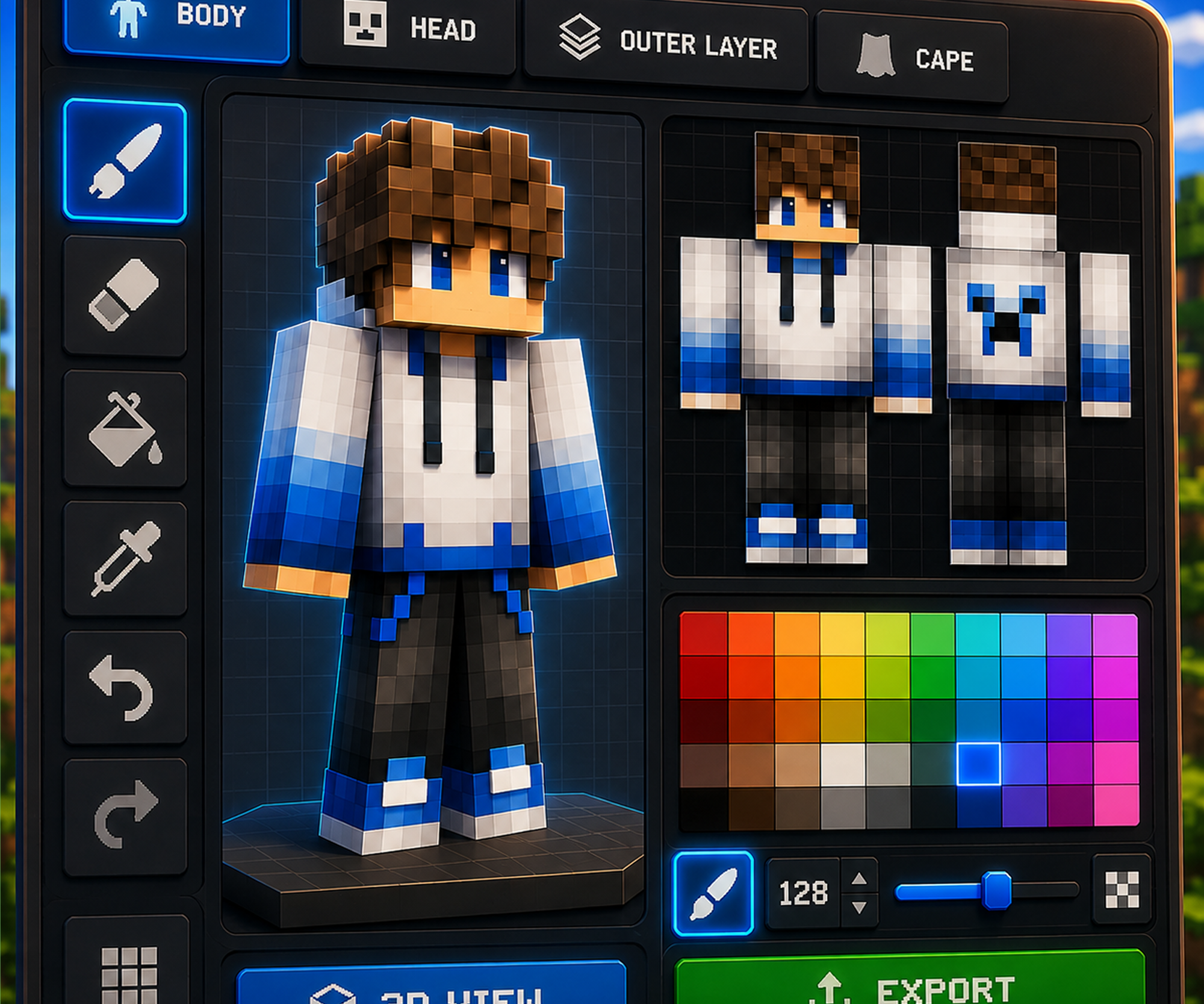
The best Minecraft skin editor for mobile should be easy to use on a small screen, provide precise 3D editing, make hidden body parts accessible, and let you export a finished skin without fighting the interface.
We tested several Minecraft skin maker apps on mobile to compare their editors, navigation, 3D controls, AI features, ads, and overall usability. Check the list below.
| App | Best For | 3D Editor | AI Features | Ads |
|---|---|---|---|---|
| Photo2Skin | Best overall | Excellent | Yes | No |
| Skinseed | Community skins and manual editing | Very good | No | Yes |
| AI Skins for Minecraft | Preset customization | Basic | Preset-focused | Yes |
| AI Skin Maker & Editor | Templates and customization | Good | Preset-focused | Yes |
| 3D Skin Editor for MCPE | Basic manual editing | Basic | No | Yes |
1. Photo2Skin — Best Minecraft Skin Editor for Mobile Overall
Photo2Skin is our top overall mobile Minecraft skin editor. It combines a clean interface, simple navigation, precise 3D editing, a free Minecraft skin editor, no ads during the editing experience we tested, and optional AI features for users who want to generate skins faster.

 Coming soon
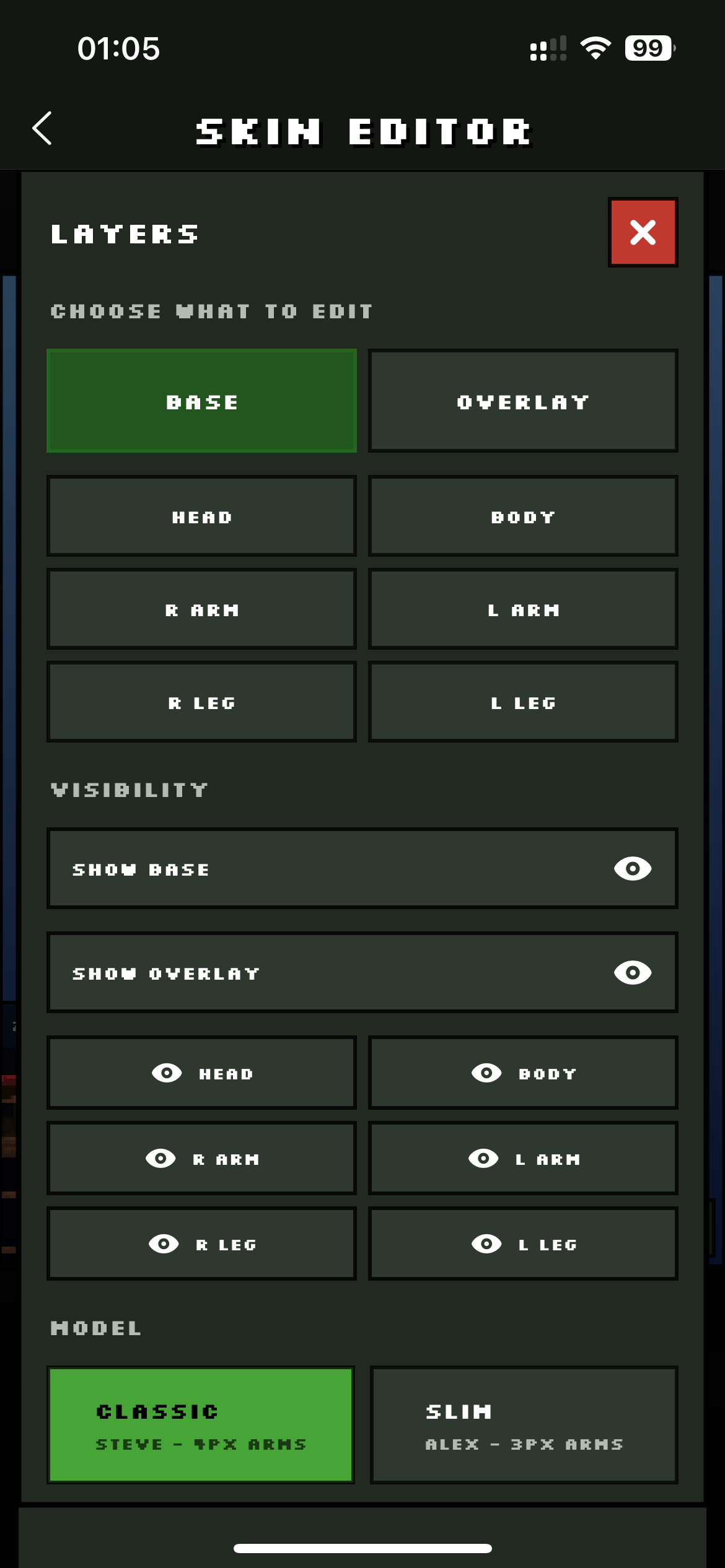
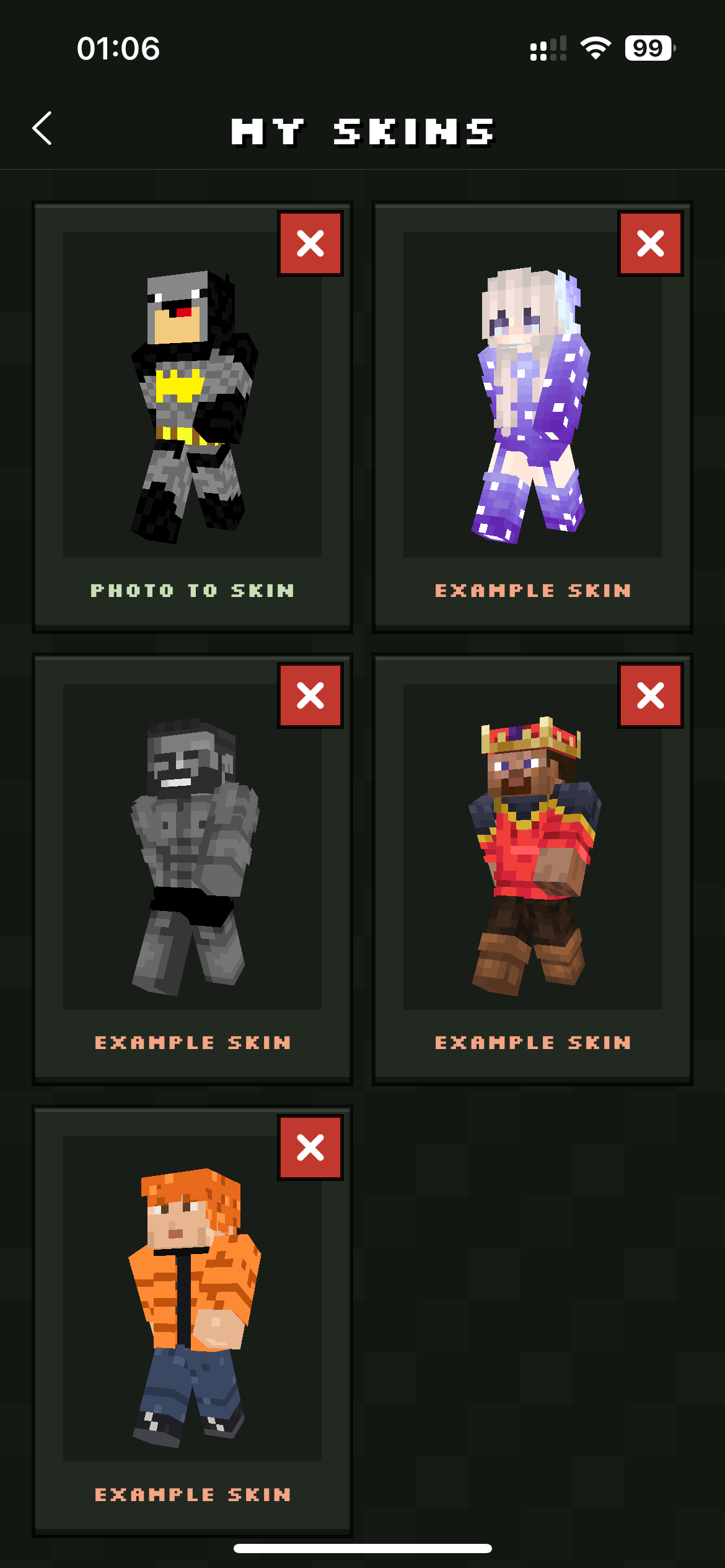
The interface is especially friendly for beginners. Important controls are visible and logically grouped, so you do not need to learn a complicated menu system before you can start drawing.
Easy 3D Editing on a Phone
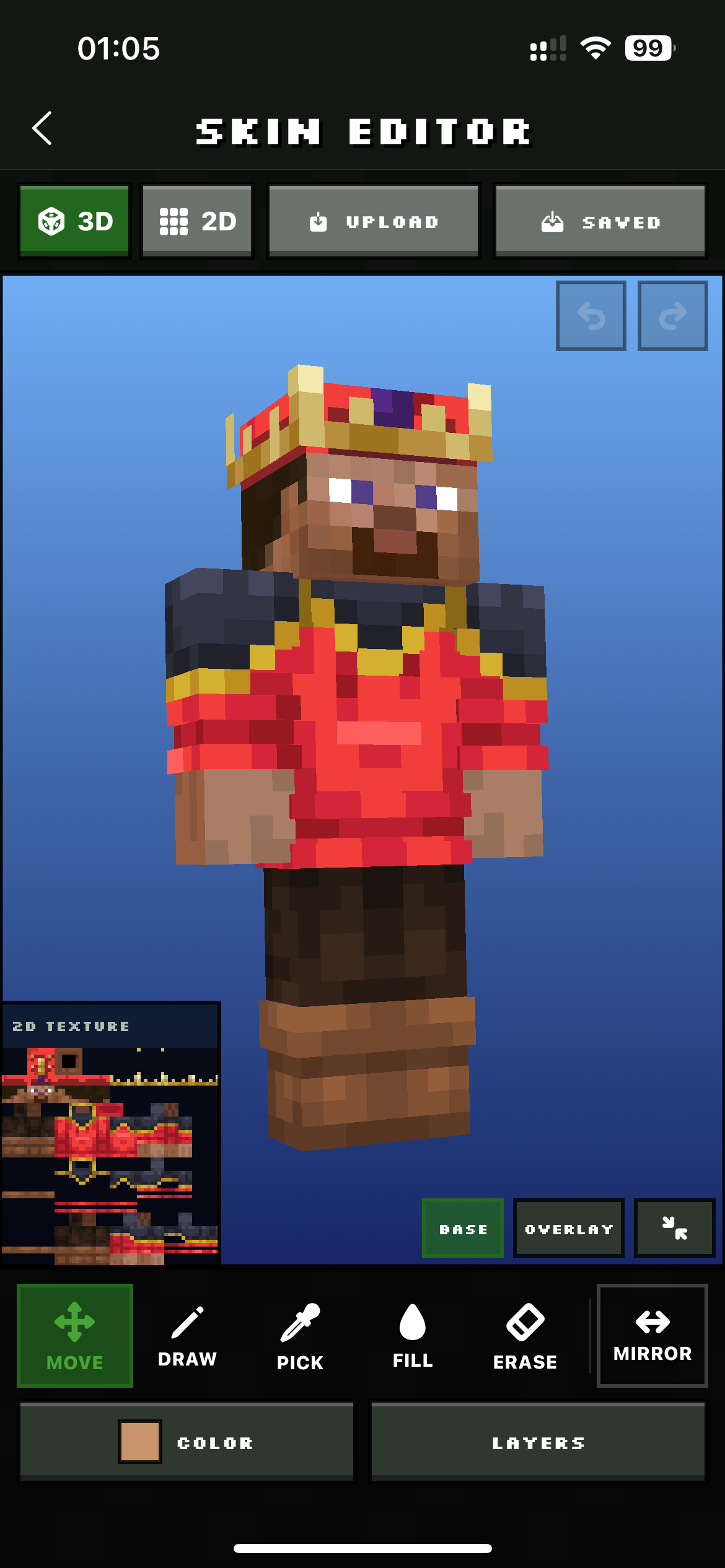
Editing a Minecraft skin on mobile is harder than on desktop because your finger is less precise than a mouse and the screen is much smaller. Photo2Skin handles this well by making the 3D model easy to rotate, isolate, and edit.
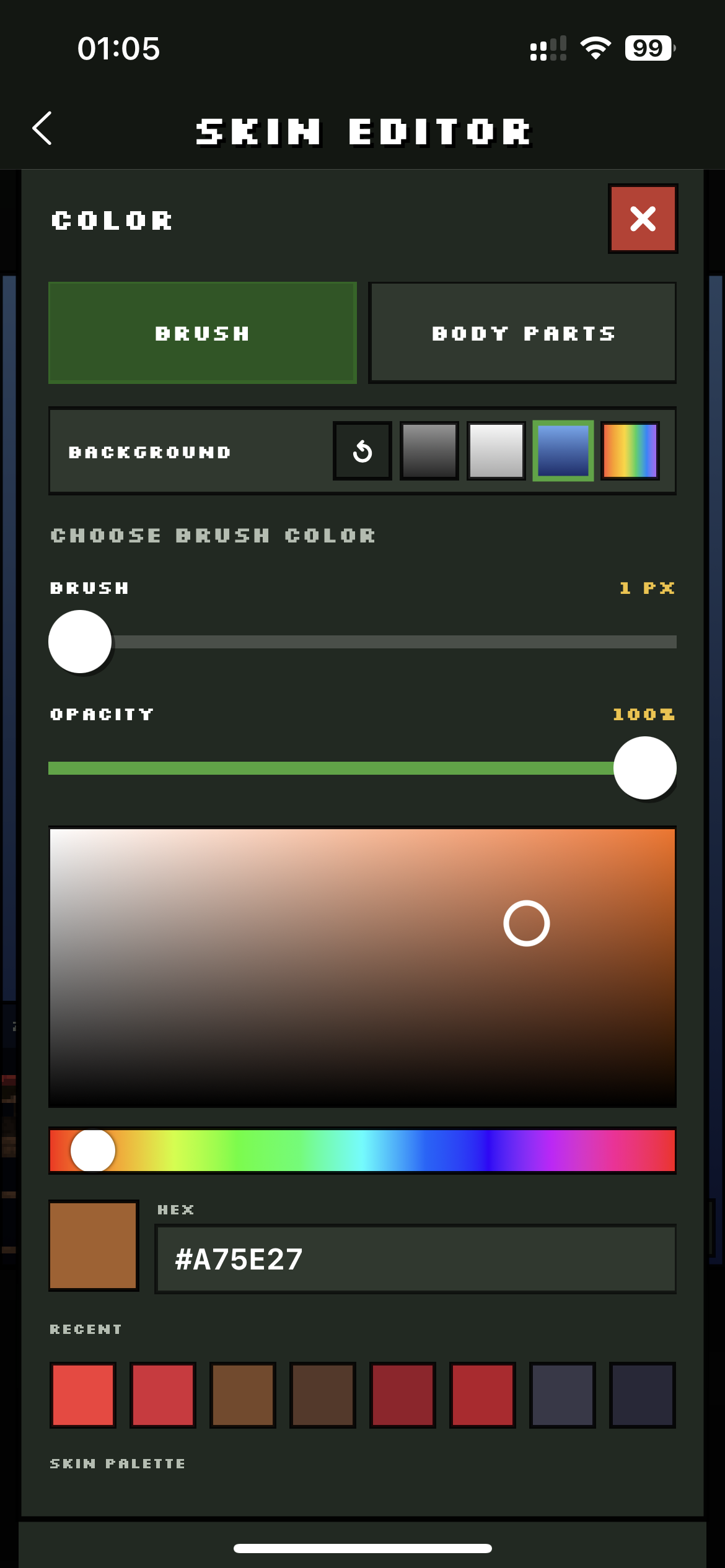
You can work with the base and overlay layers, switch between Classic and Slim models, select body parts, use color palettes, enter HEX values, adjust brush size and opacity, mirror pixels, fill areas, erase details, and preview the result directly on the character.
Editing Hidden and Hard-to-Reach Minecraft Skin Parts
One of Photo2Skin's strongest advantages is how easily you can edit areas that are normally difficult to reach in a 3D skin editor.
Parts around the hips, inner arms, inner legs, undersides, and overlapping surfaces can be isolated and viewed from useful angles. Instead of constantly rotating the whole character and trying to draw around another body part, you can focus directly on the surface you need.
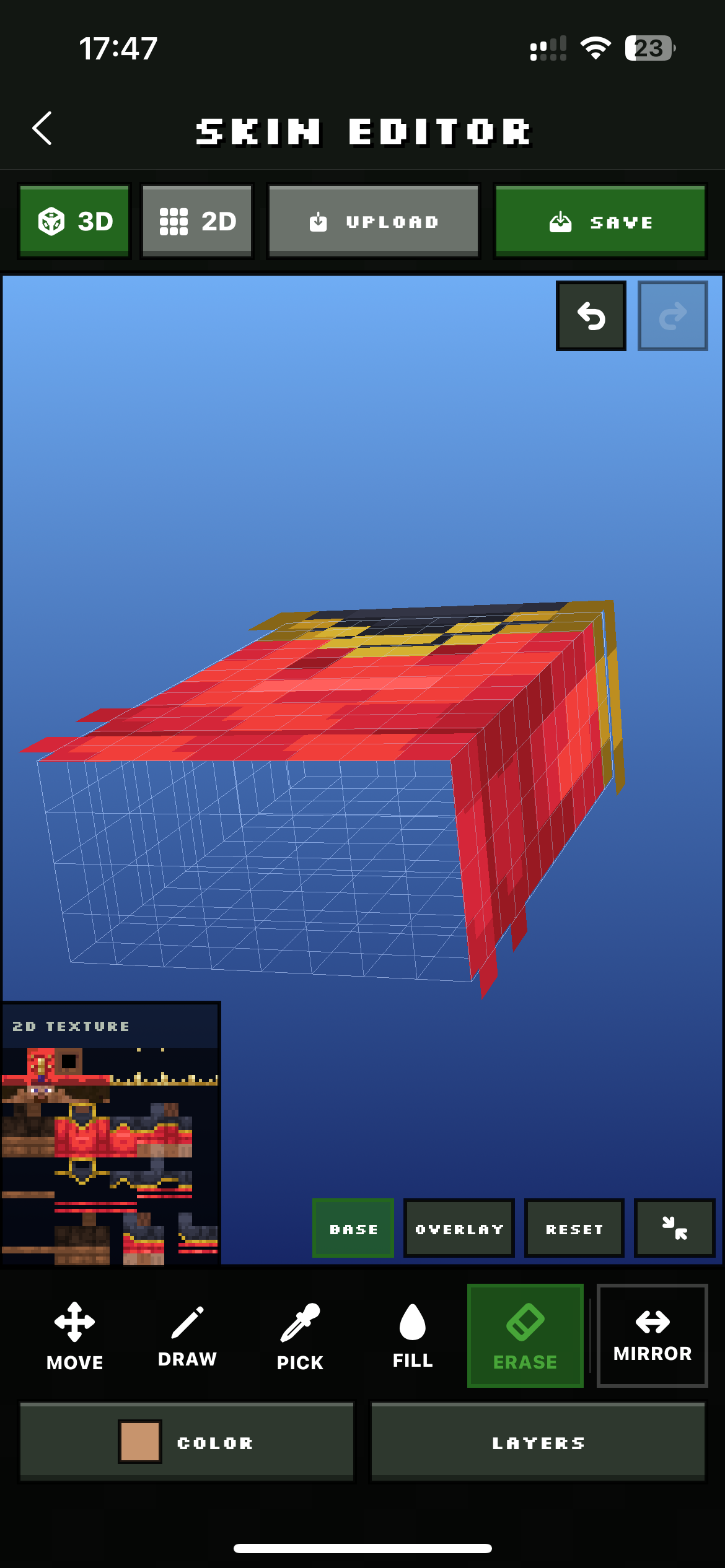
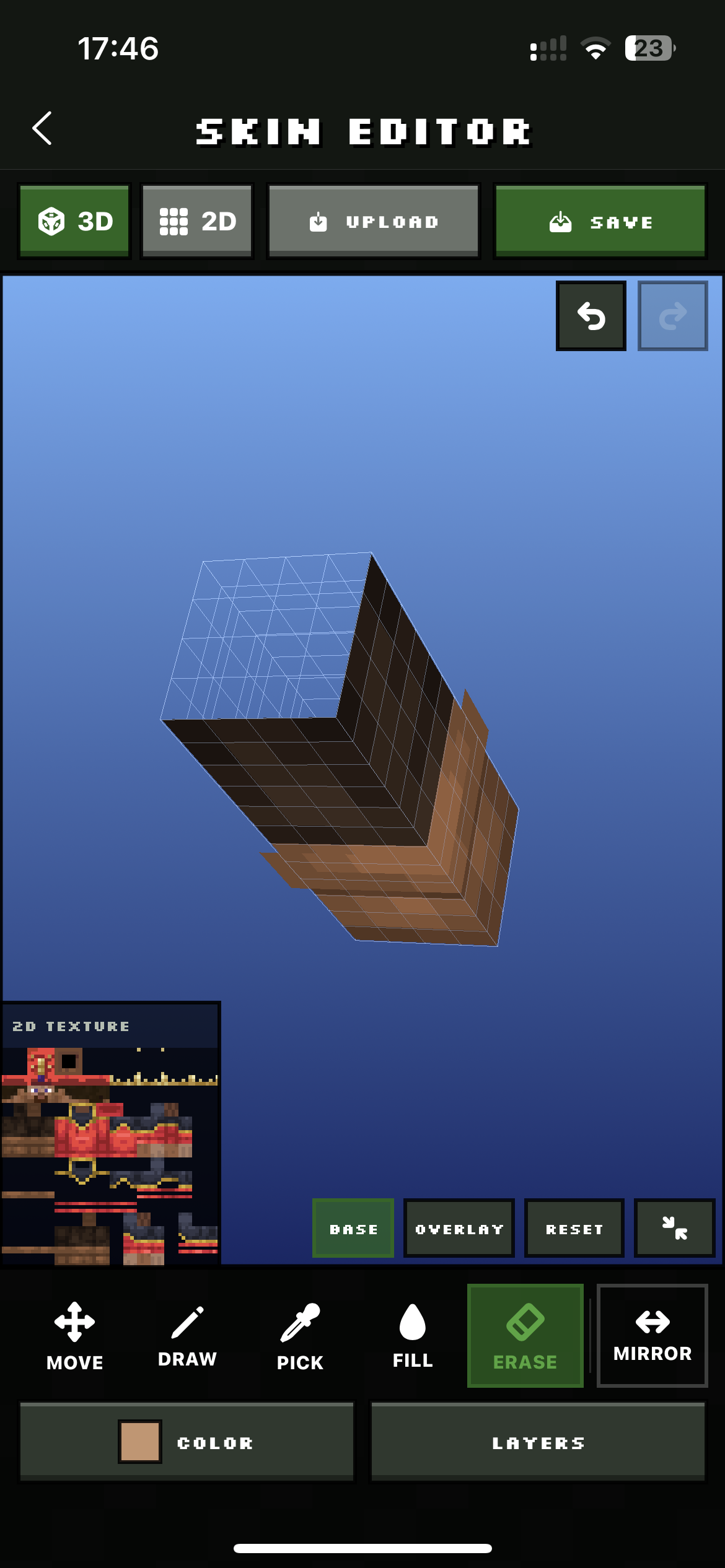
This becomes particularly useful when creating detailed sleeves, shoes, belts, clothing edges, inner-leg details, or outer-layer textures.
Free Minecraft Skin Editor With Optional AI Features
The manual Photo2Skin editor is free, while advanced AI skin-generation features are available separately for users who want to create skins from photos, images, or text descriptions.
Photo2Skin also receives frequent updates and new functionality, which gives it an advantage over older mobile skin editors that have changed very little over time.
- Beginner-friendly mobile interface
- Simple navigation
- 2D and 3D skin editing
- Easy body-part isolation
- Base and overlay editing
- Classic and Slim Minecraft models
- Brush, fill, erase, mirror, and color picker tools
- HEX colors, opacity, and saved palettes
- Skin upload and saving
- No ads in the editor during our testing
- Optional AI skin-generation tools
- Frequent updates and new features
Try the tools: Photo to Skin, Image to Skin and Text to Skin, or open the Minecraft skin editor and start from scratch.
Best for: beginners, advanced skin creators, detailed 3D editing, AI-assisted skin creation, and anyone who wants a clean ad-free editing experience.
2. Skinseed — Great Alternative for Community Skins
Skinseed is our second choice and remains one of the most interesting Minecraft skin apps for mobile. Its biggest advantage is the combination of a capable editor and a large community of existing skins.
You can browse designs, save skins, edit existing characters, create your own versions, and share them with other users.
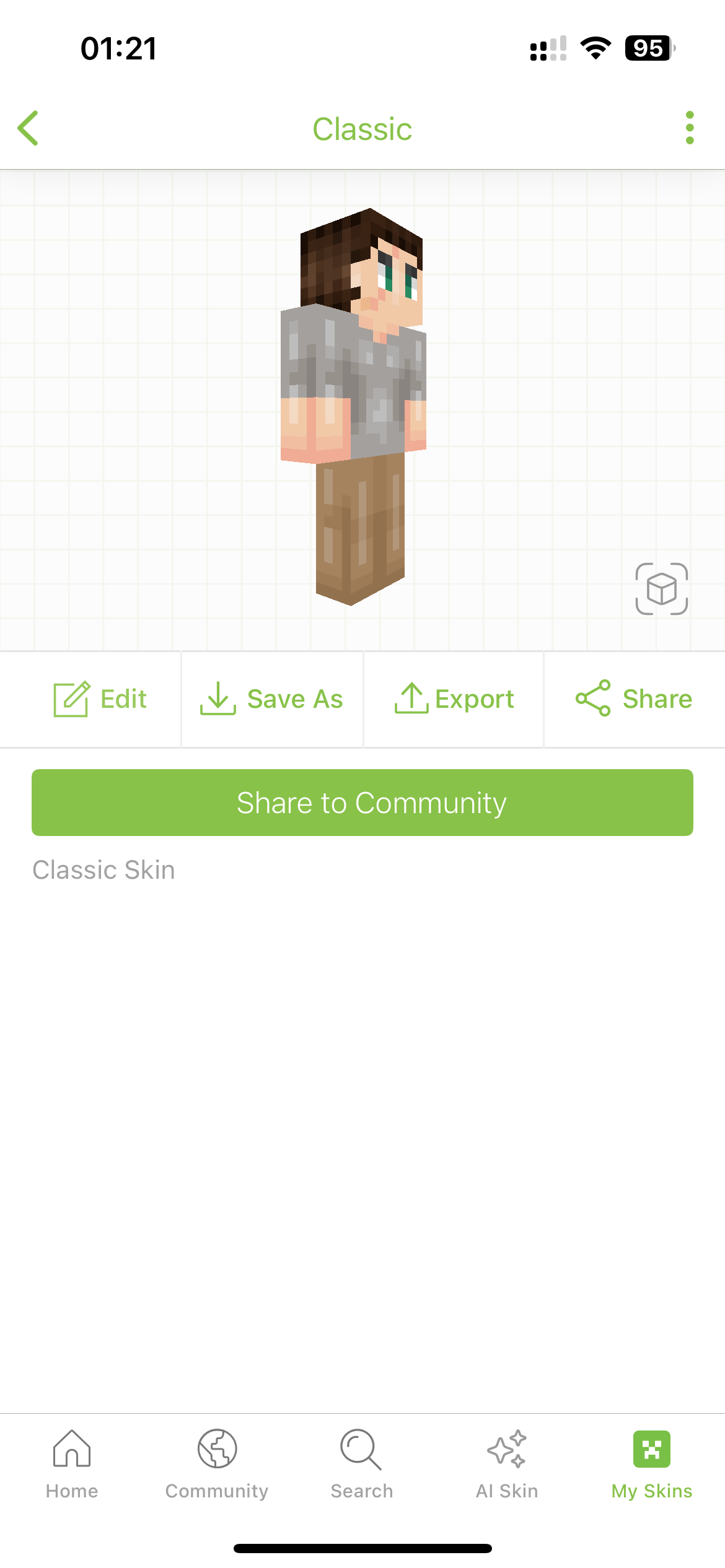
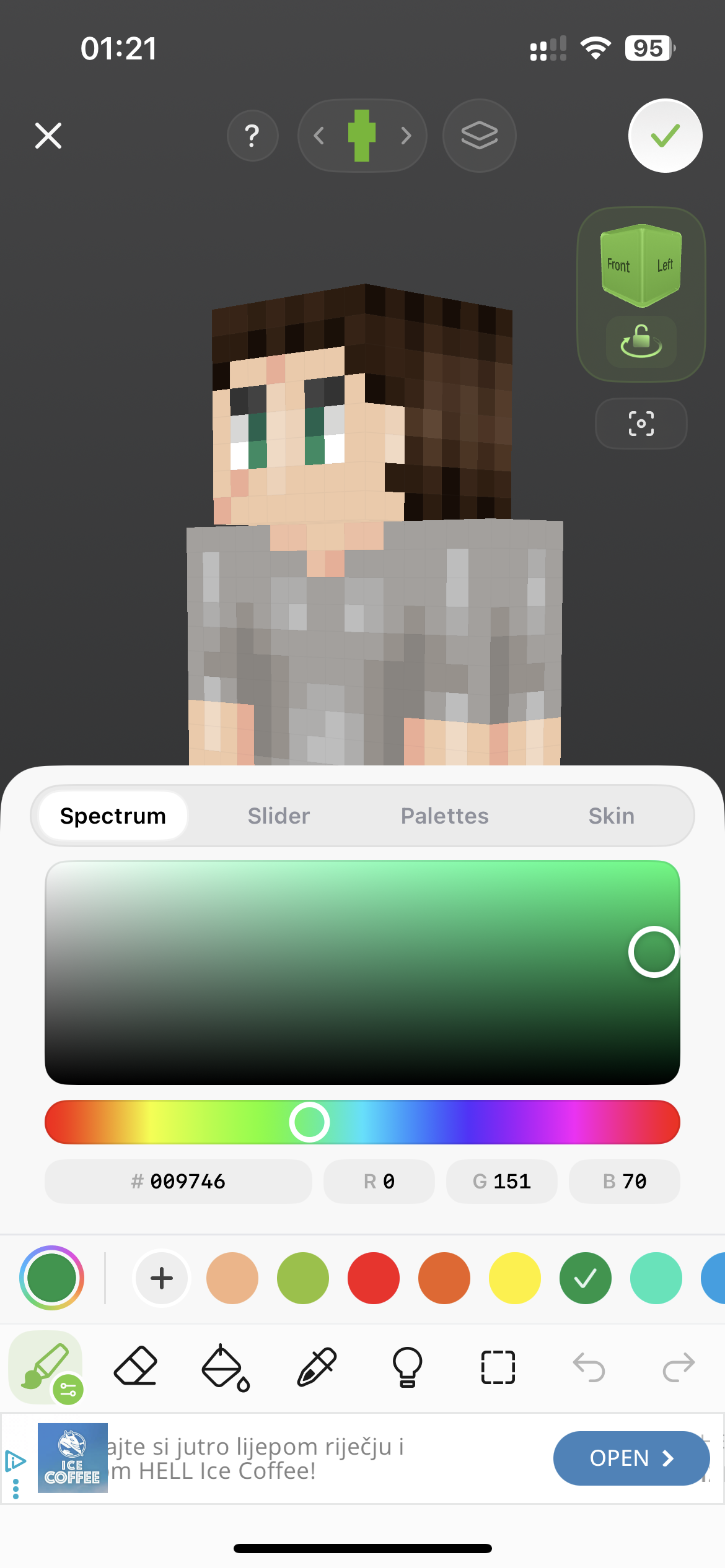
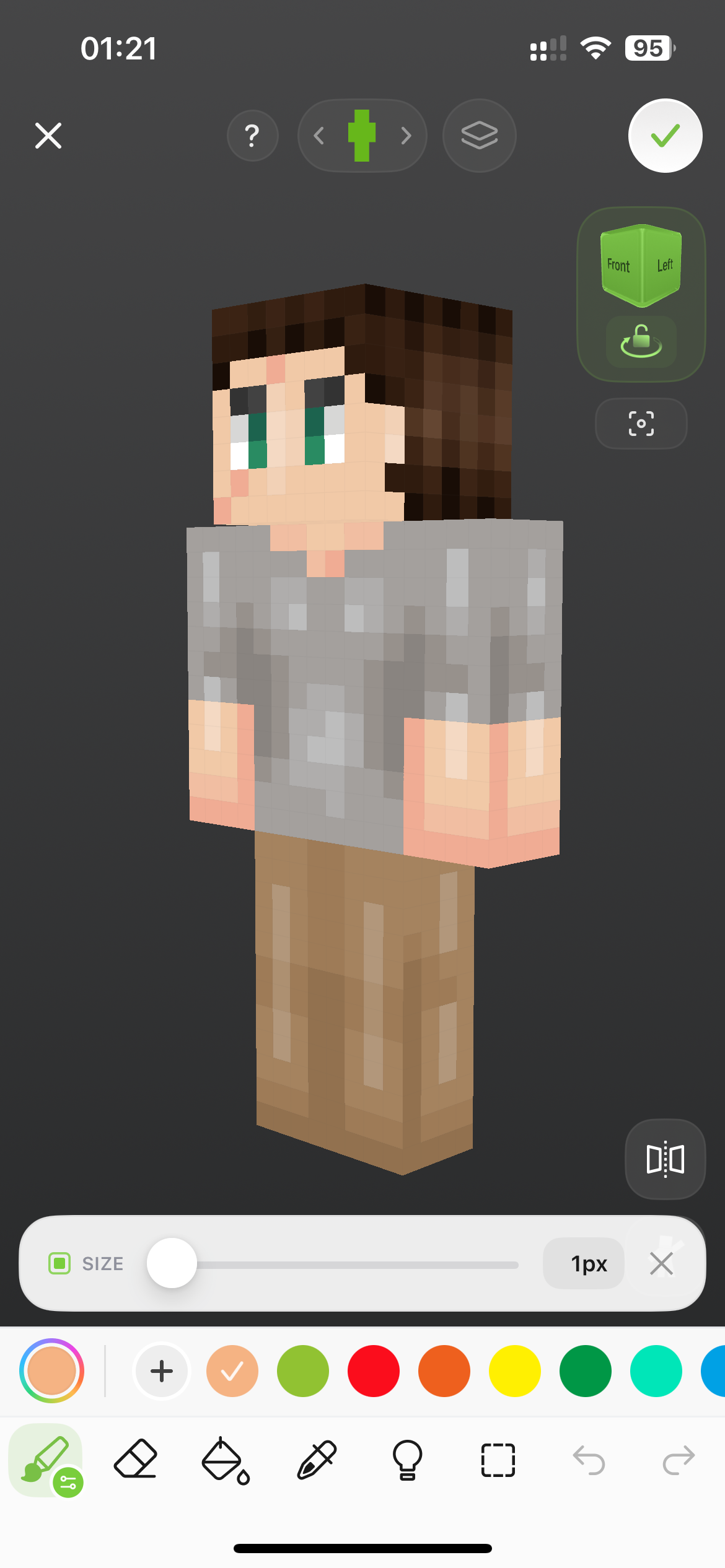
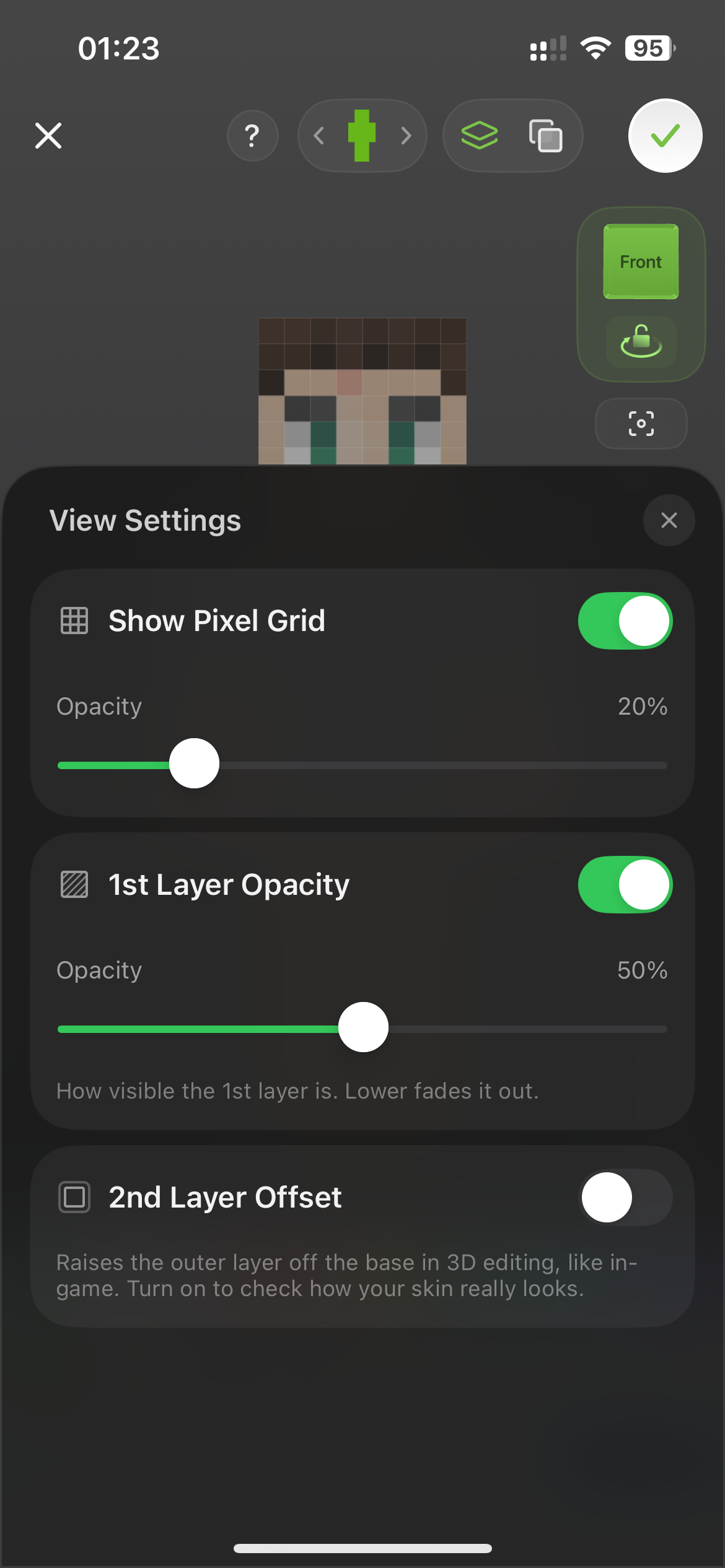
The editor includes useful color controls, palettes, layer options, pixel-grid settings, 3D viewing, undo and redo, and several drawing tools.
The downside is that the interface feels busier than Photo2Skin. More controls compete for limited screen space, and beginners may need more time to understand the workflow. We also encountered ads while using the app.
Skinseed Pros
- Large community skin library
- Good 3D preview
- Detailed manual editor
- Color palettes and advanced color controls
- Layer and grid settings
- Useful for remixing existing skins
Skinseed Cons
- More complex interface
- Less beginner-friendly
- Ads appeared during our testing
- Editing hidden body areas is not as direct
Best for: users who want community skins, remixing, discovery, and a capable traditional editor.
3. AI Skins for Minecraft — Better for Preset Character Customization
AI Skins for Minecraft has an AI-focused name, but in our testing the experience felt much more like a preset character builder and skin-pack creator than a photo- or text-based AI skin generator.
The app provides categories for faces, hair, hats, glasses, clothing, accessories, and other character parts. This makes it easy to assemble a skin quickly, but it gives you less precision than a dedicated pixel editor.
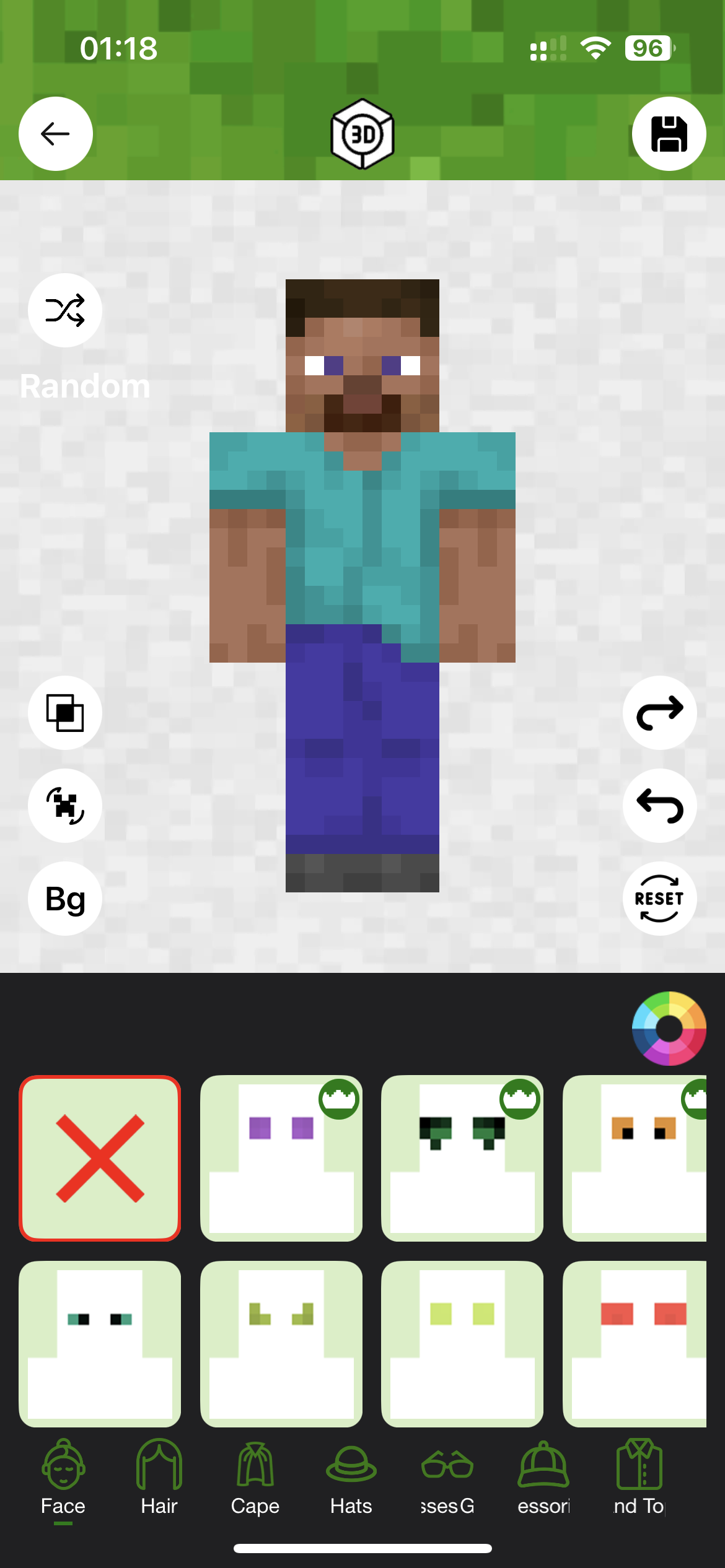
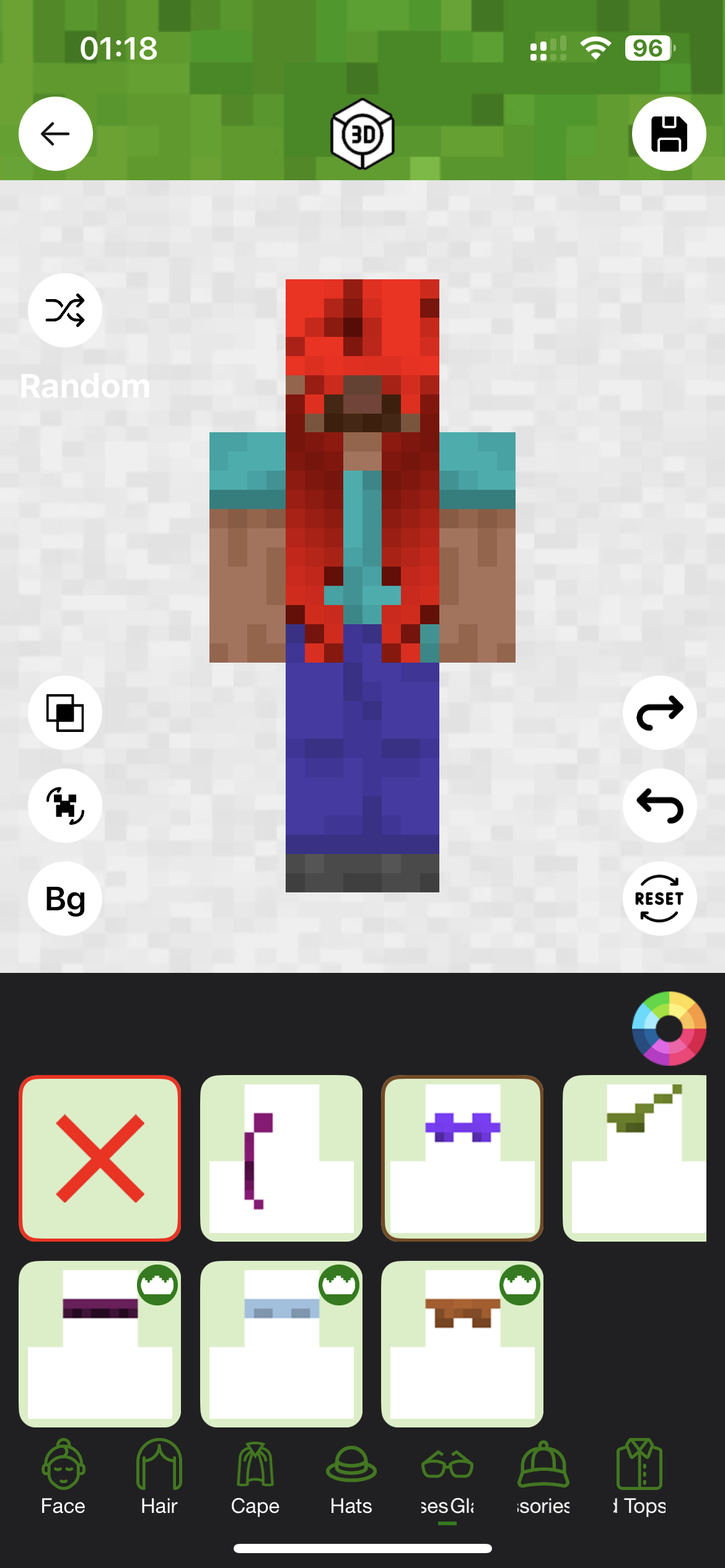
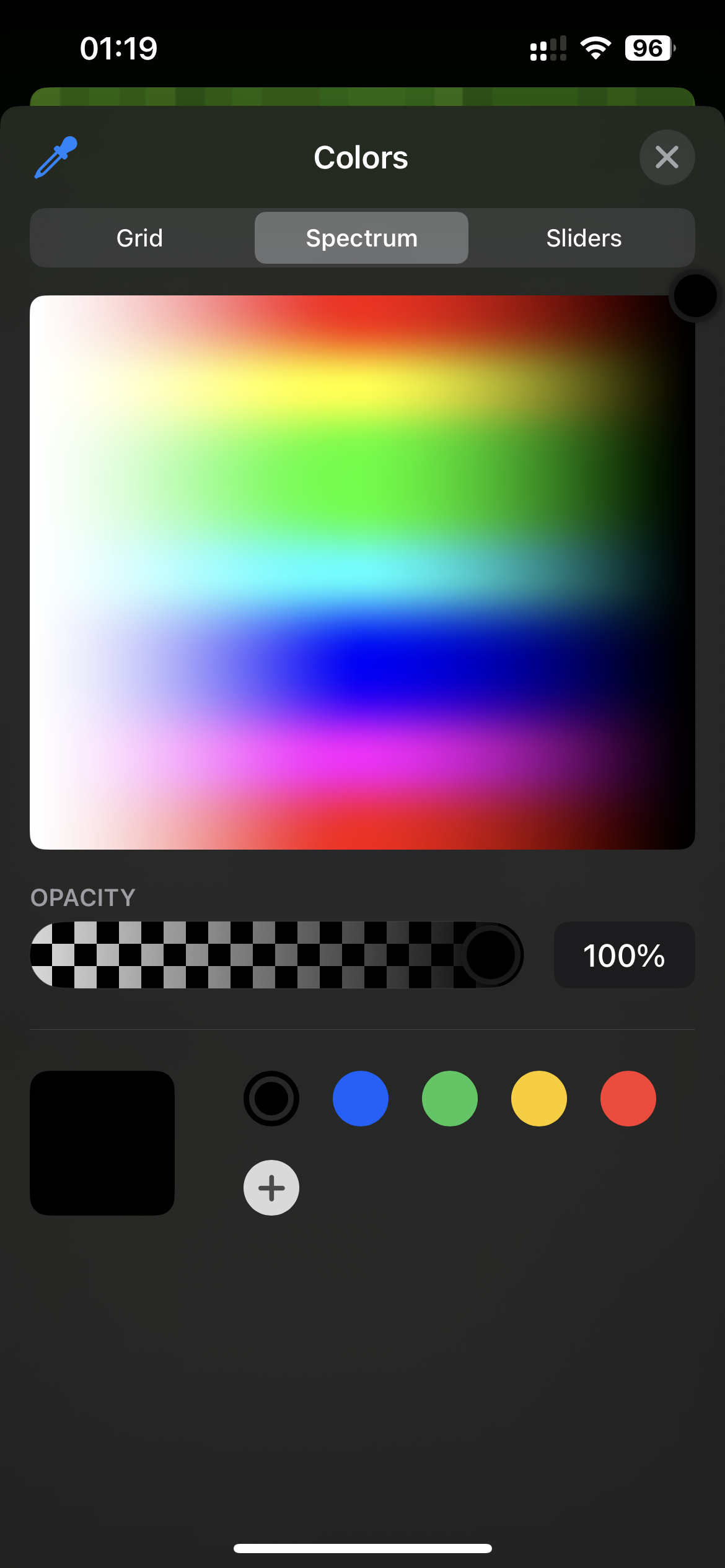
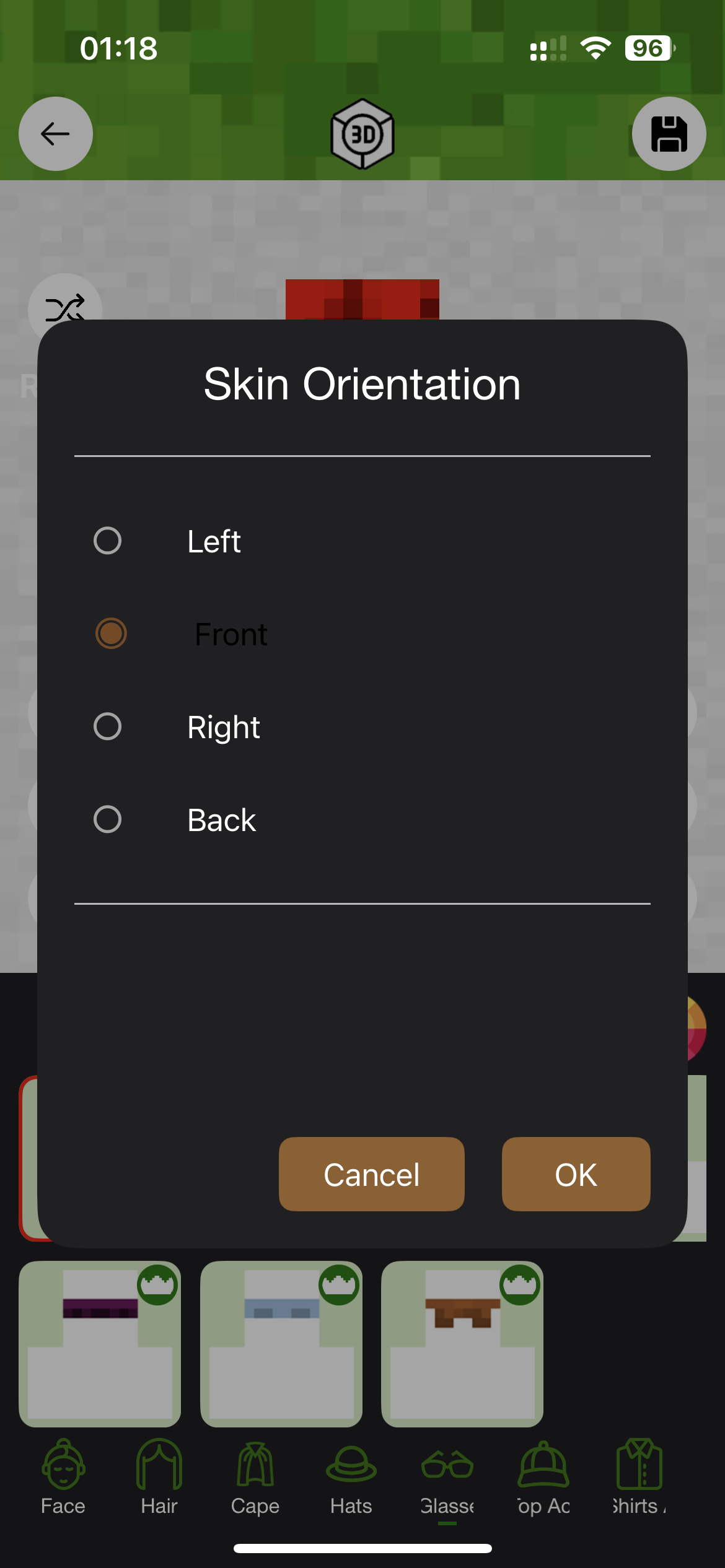
The editing workflow is less flexible for precise pixel-level work, and some tasks require extra menus or orientation controls. We also encountered advertising while testing the app.
Although AI functionality is promoted by the app, in our testing it leaned more toward preset customization than the photo- and text-based generation you get from a dedicated AI skin-generation tool.
Pros
- Easy preset-based character customization
- Many clothing and appearance categories
- Useful for quickly assembling a character
- Simple skin-pack-oriented workflow
Cons
- Less precise for serious skin editing
- Limited control over difficult 3D areas
- More preset-focused than a dedicated AI generator
- Ads appeared during testing
Best for: users who prefer building a skin from preset parts rather than drawing individual pixels.
4. AI Skin Maker & Editor — Lots of Features, but a Busier Interface
AI Skin Maker & Editor offers a large collection of customization tools, presets, colors, skin parts, and 3D editing options.
It is more feature-heavy than some basic editors, but the interface feels less intuitive. There are many controls on the screen at once, and it takes longer to understand where everything is located.
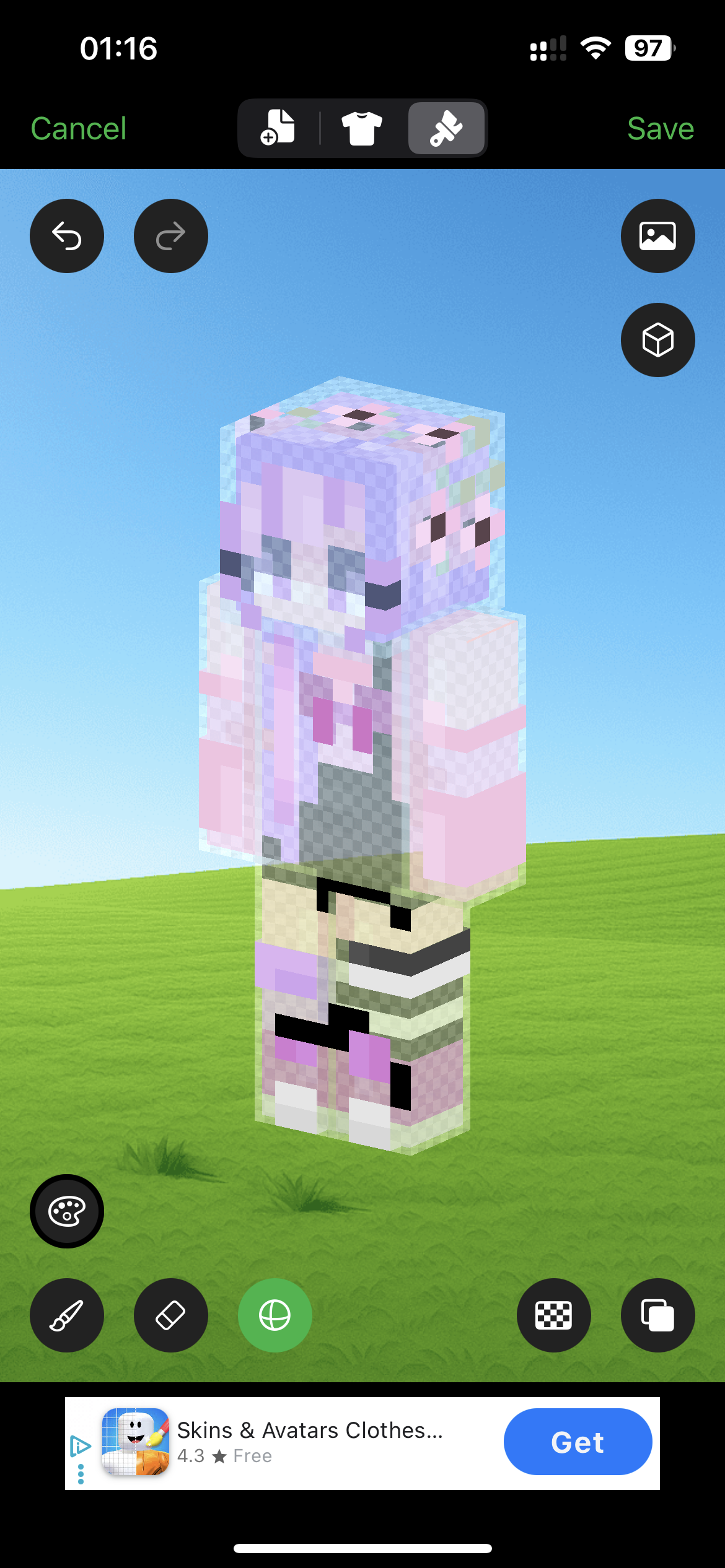
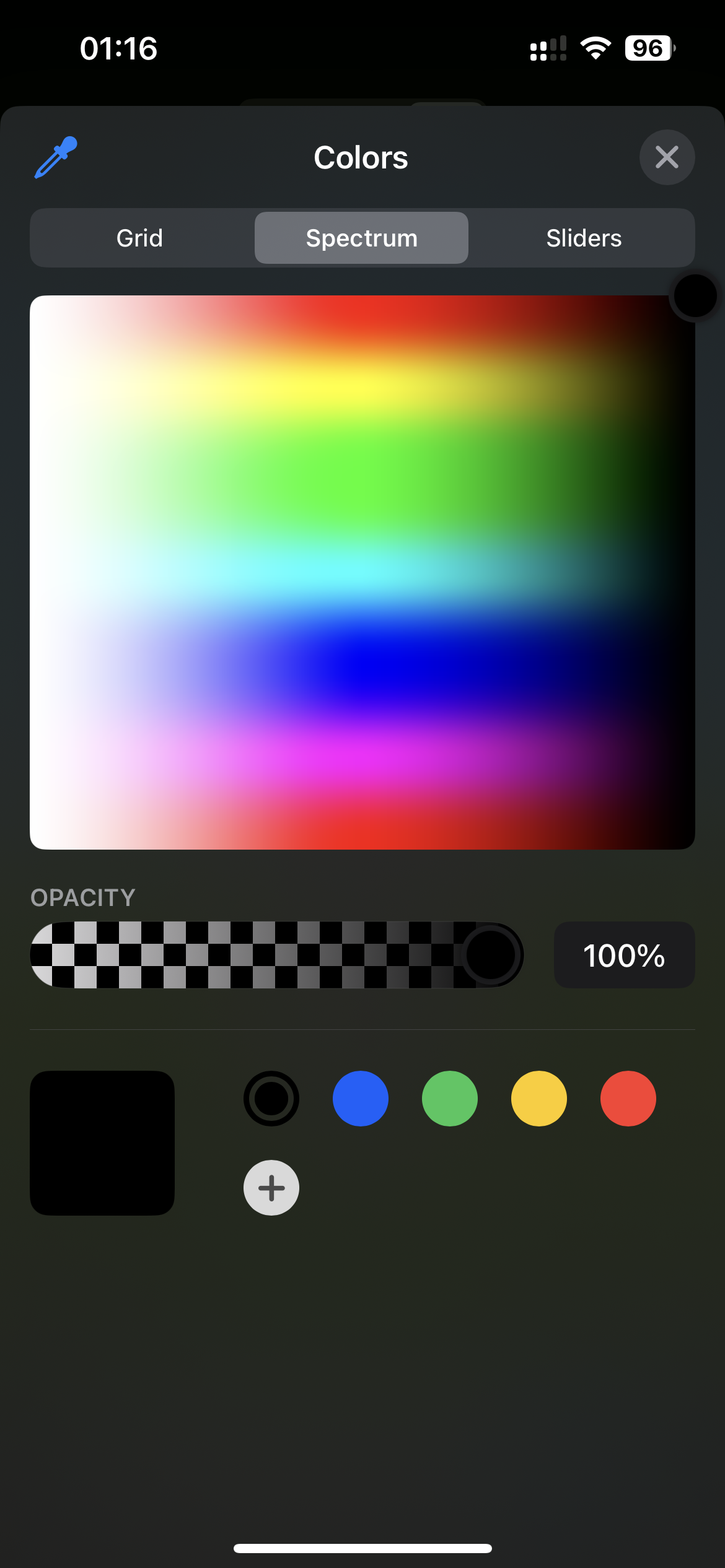
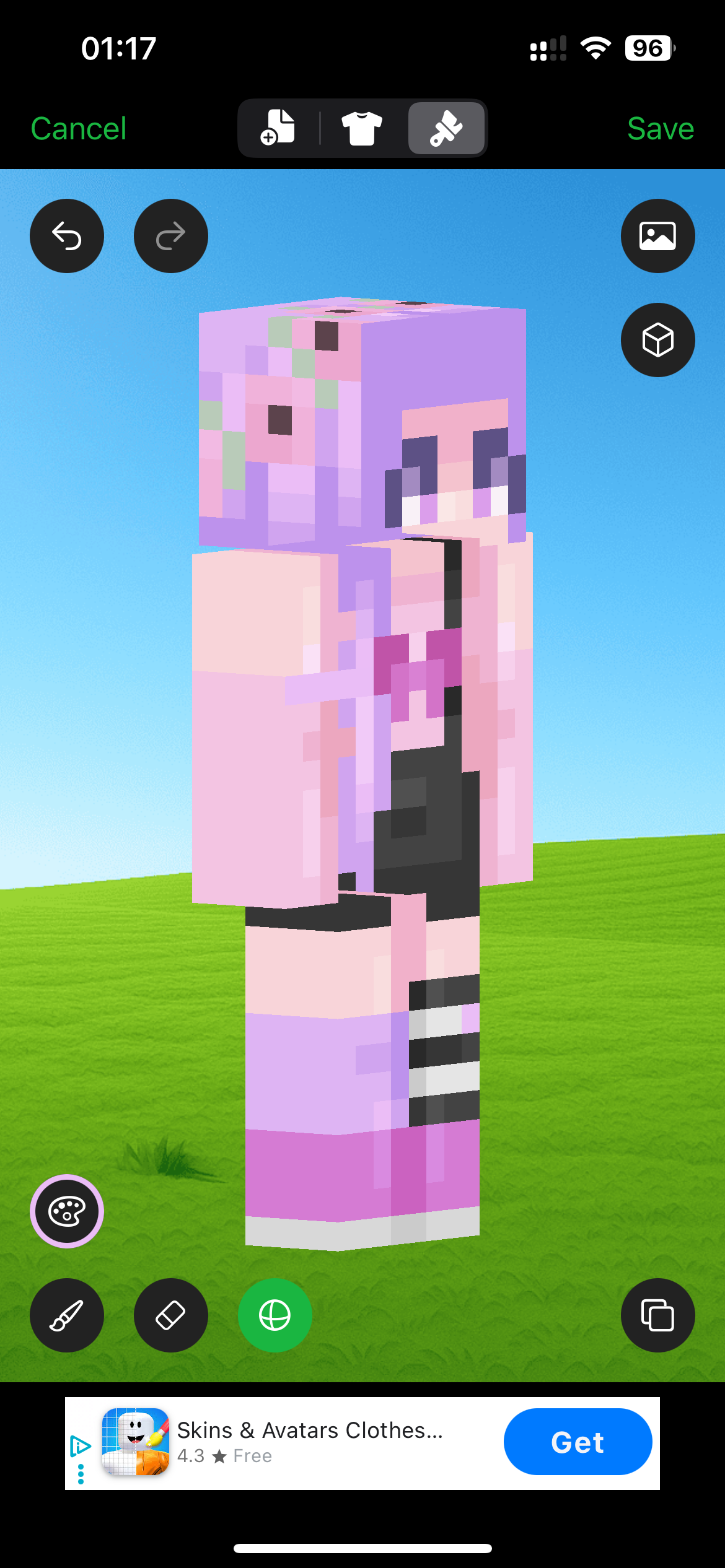
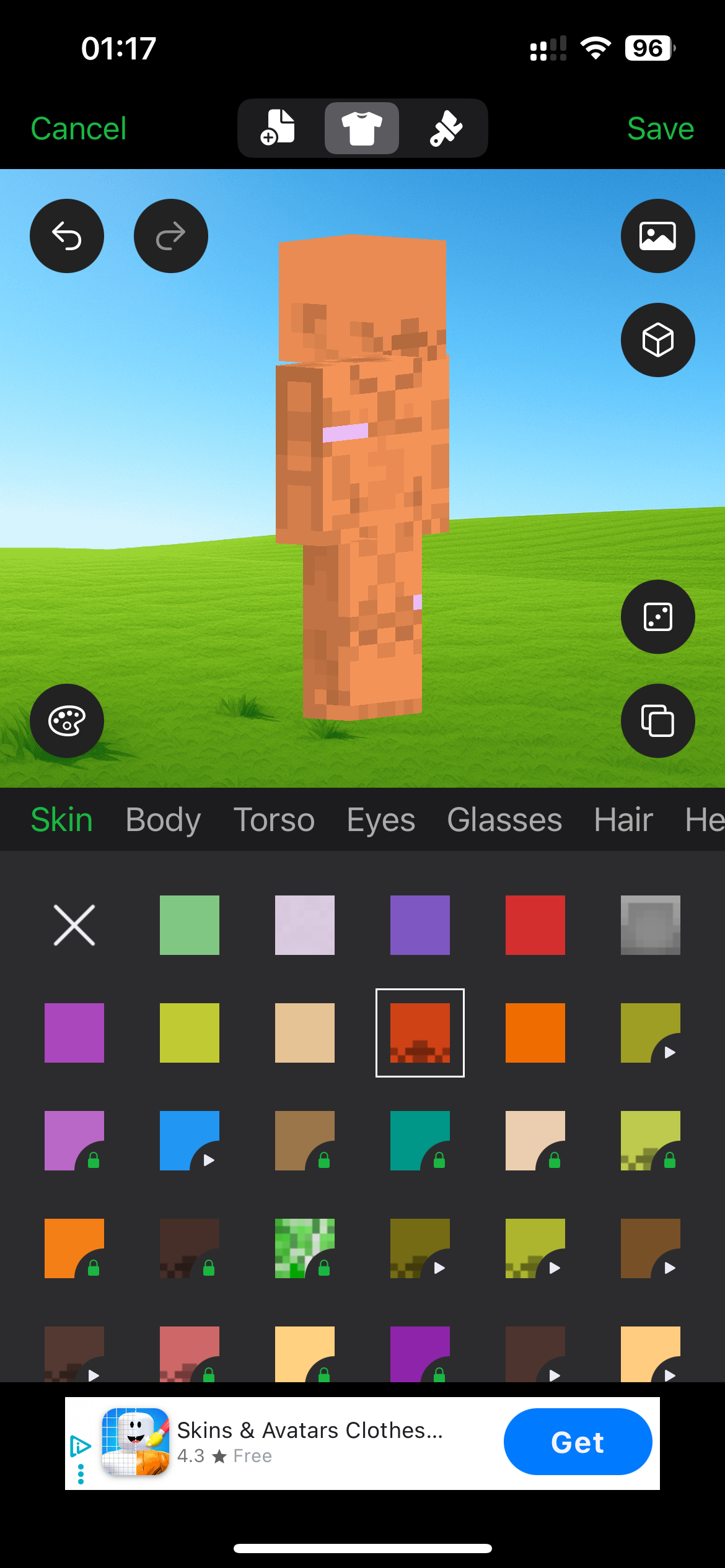
The app can be useful if you enjoy choosing from lots of predefined parts and customization options. For direct pixel editing, however, the workflow felt less natural than Photo2Skin or Skinseed.
We also encountered ads during use, and its AI features lean toward presets and templates rather than the photo- and text-based generation we preferred for our own workflow.
Pros
- Many customization options
- 3D skin preview
- Preset skin elements
- Color and drawing tools
Cons
- Busy interface
- Less intuitive for beginners
- Ads during the editing experience
- AI leans toward presets rather than photo or text generation
Best for: users who want many templates and customization options and do not mind a more complex interface.
5. 3D Skin Editor for MCPE — Basic Manual Editing With a Dated Interface
3D Skin Editor for MCPE provides the basic tools you would expect from an older mobile Minecraft skin editor: painting, colors, zoom, rotation, body-part visibility, importing, and exporting.
The problem is usability. The interface feels dated and clunky compared with newer alternatives. Large buttons surround the character, some options open additional popup windows, and editing specific 3D surfaces takes more effort than it should.
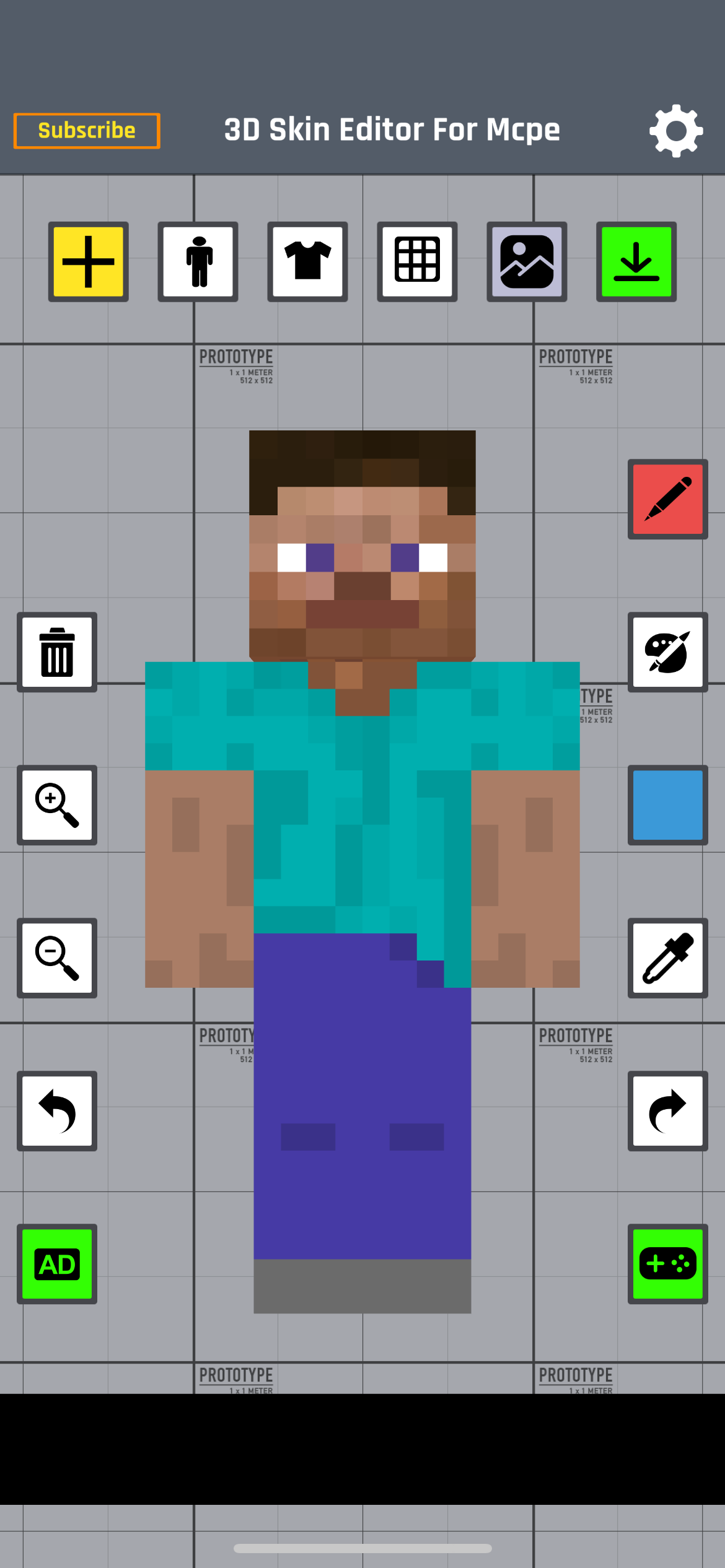
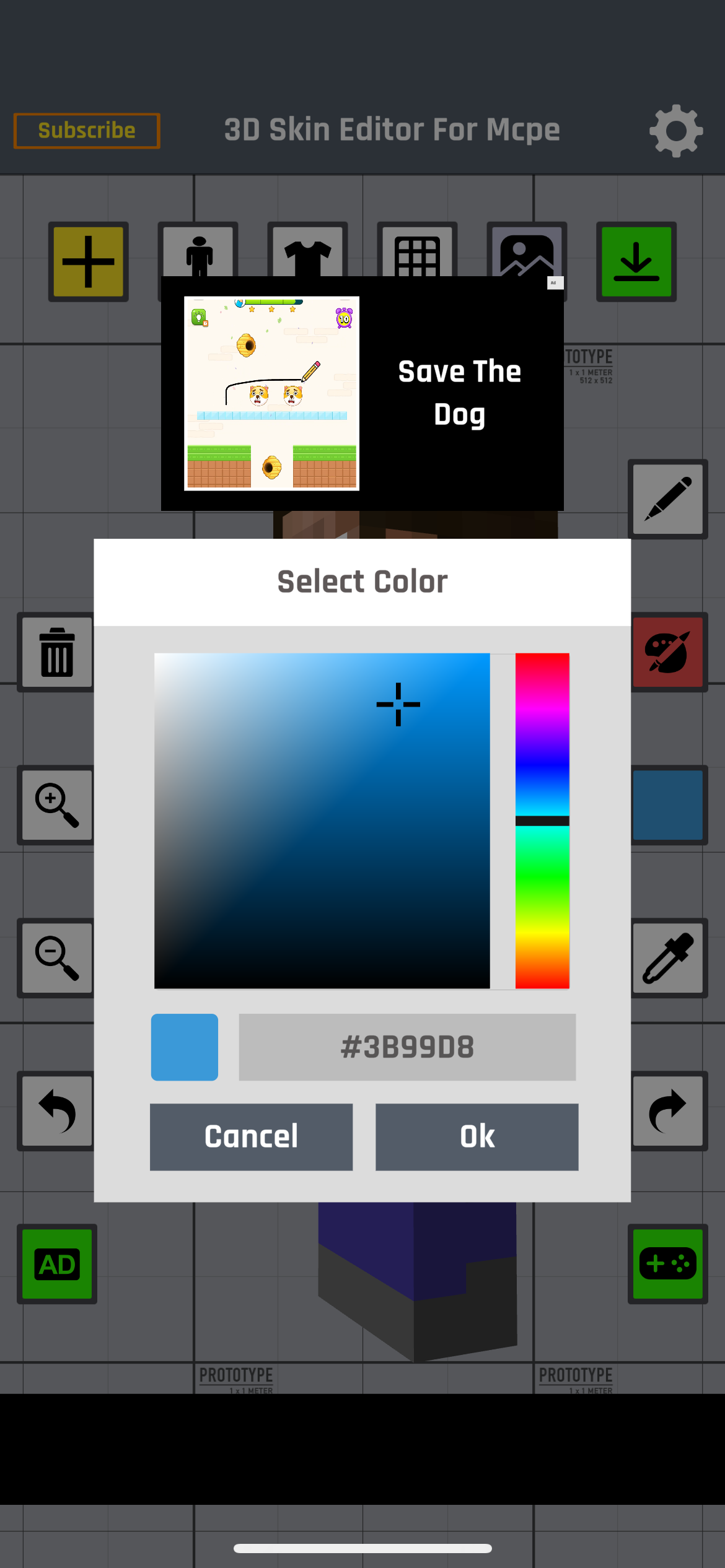
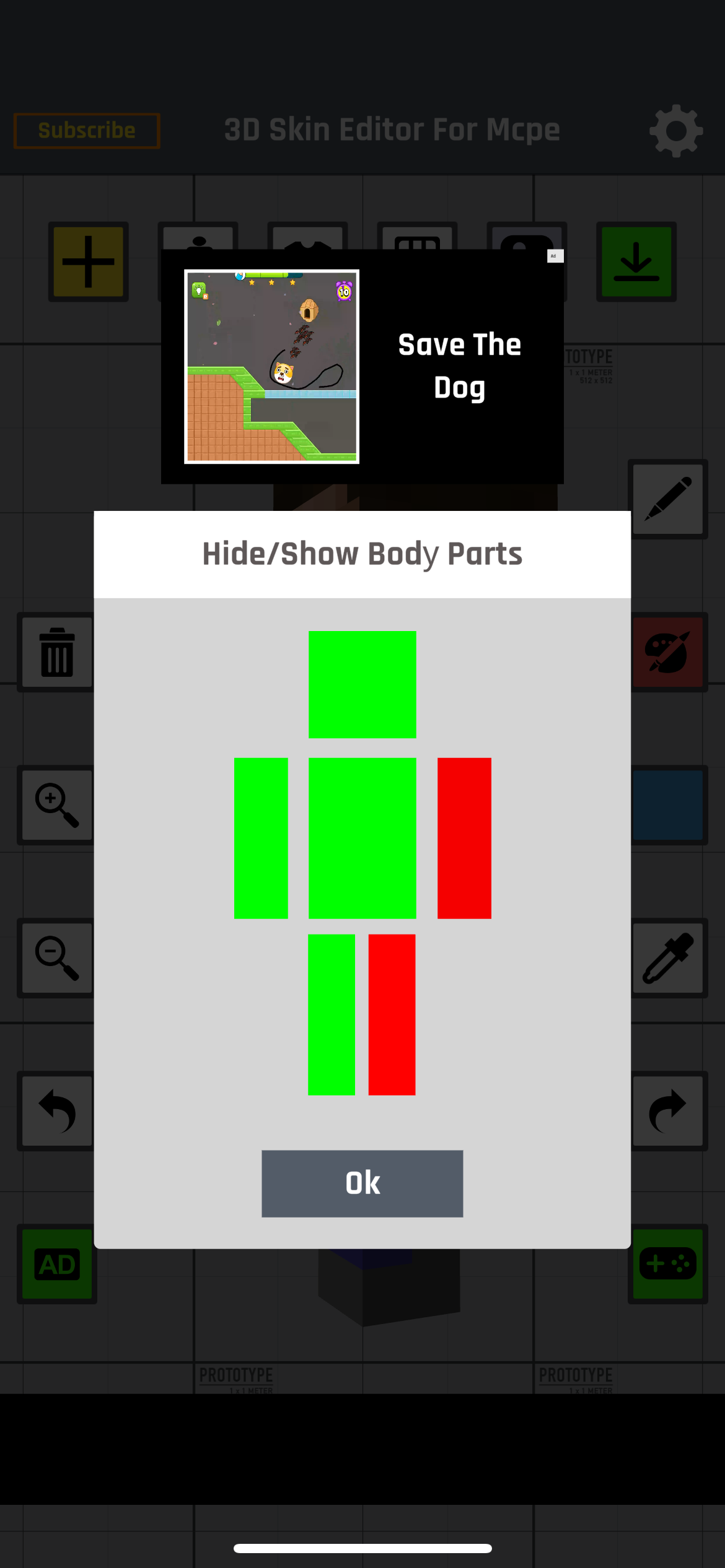
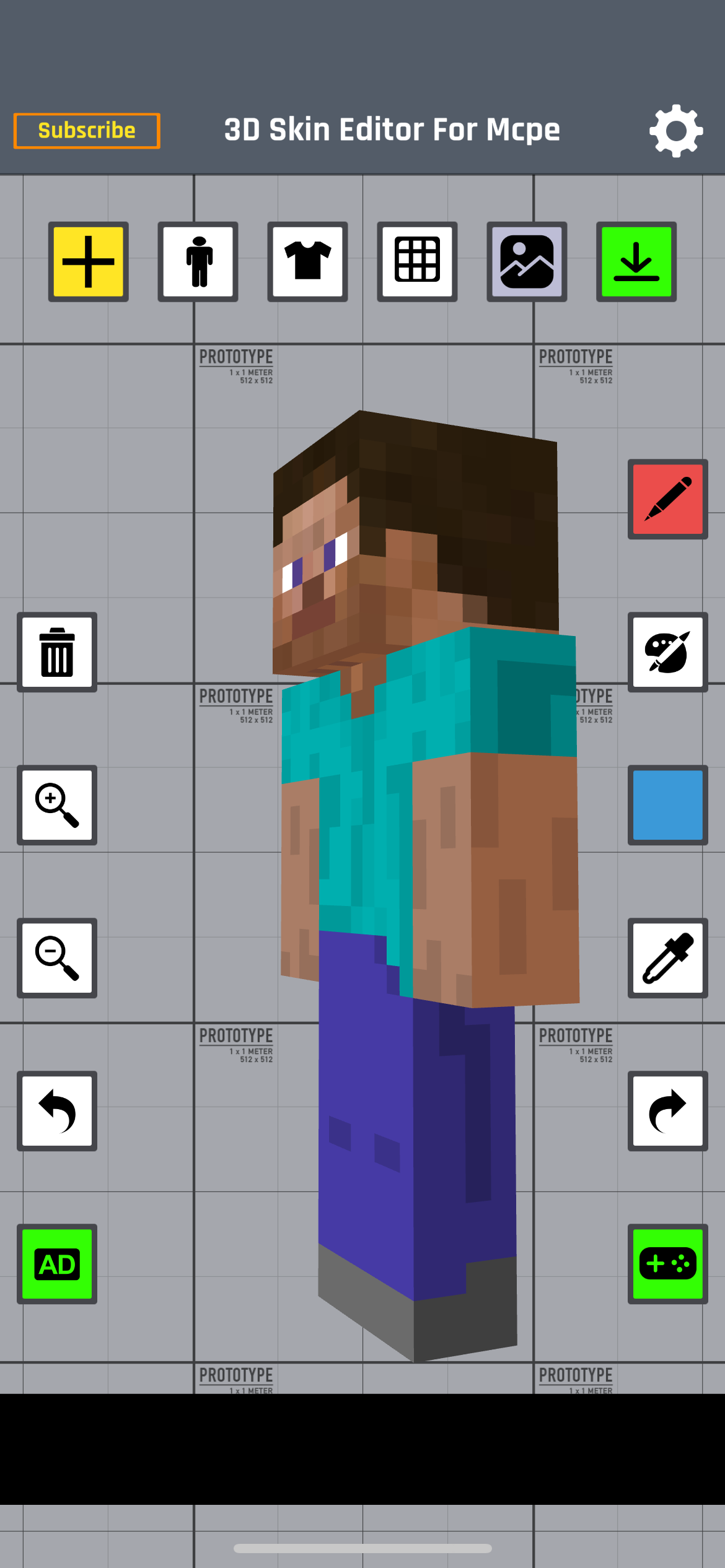
The app does let you hide and show body parts, but the workflow feels more cumbersome than directly isolating and manipulating surfaces in a modern 3D editor. Advertising also interrupted the editing experience during our test.
Pros
- Basic manual editing tools
- 3D character preview
- Color selector and eyedropper
- Body-part visibility controls
- Import and export options
Cons
- Dated interface
- Clunky navigation
- Harder to reach specific 3D surfaces
- No dedicated modern AI workflow
- Ads during testing
Best for: users who only need basic manual editing and do not care about AI tools or a modern interface.
Which Minecraft Skin Maker App Is Best for Mobile?
Photo2Skin is our best overall Minecraft skin maker app for mobile. Its biggest advantage is not simply having more features. It makes the core editing workflow easier.
The interface is clean, individual body areas are easier to reach, the free editor works without the advertising interruptions we encountered in the other apps, and optional AI tools give users another way to create skins.
Skinseed takes second place because its editor is capable and its community gives users a huge source of existing skins to browse and remix.
| What You Need | Best App |
|---|---|
| Best overall Minecraft skin editor | Photo2Skin |
| Best for beginners | Photo2Skin |
| Best for detailed 3D editing | Photo2Skin |
| Best for editing hidden body parts | Photo2Skin |
| Best for AI Minecraft skin creation | Photo2Skin |
| Best for community skins | Skinseed |
| Best for preset-based customization | AI Skins for Minecraft |
What Should You Look for in a Mobile Minecraft Skin Editor?
A good mobile skin editor needs to solve problems that are less important on desktop. Phone screens are small, fingers are not as precise as a mouse, and rotating a 3D character while drawing can become frustrating very quickly.
When choosing a Minecraft skin app for iPhone, iPad, or another mobile device, look for:
- Easy 3D navigation: you should be able to rotate and inspect the entire character quickly.
- Body-part isolation: hidden surfaces should be easy to reach.
- Base and overlay controls: important for hair, clothing, hats, and layered designs.
- Precise drawing tools: brush, fill, erase, mirror, eyedropper, and undo.
- Good color controls: palettes, HEX colors, opacity, and recent colors save time.
- Classic and Slim support: both common Minecraft player models should be available.
- Simple import and export: getting a skin into and out of the editor should not be complicated.
- Minimal interruptions: ads are especially disruptive when you are trying to place individual pixels.
A long feature list does not automatically make an app better. On mobile, speed, clarity, and access to the exact pixels you want to edit matter more than having dozens of extra menus.
Already have a skin to load? See how to change or import a custom Minecraft skin.
Manual Minecraft Skin Editing vs AI Skin Generation
Manual editing and AI skin generation solve different problems.
A traditional editor gives you complete pixel-by-pixel control. AI is useful when you want to create a starting skin from a photo, character image, or written description without drawing everything from scratch.
The most practical workflow is often to combine both: generate or import a starting skin, then refine the result manually in a 3D editor.
Learn more in can AI make Minecraft skins? — or try Photo to Skin, Image to Skin and Text to Skin, then fine-tune the result in the Minecraft skin editor.
Are Mobile Minecraft Skin Editors Good Enough for Detailed Skins?
Yes. A well-designed mobile editor can handle detailed Minecraft skins, but usability becomes much more important on a small screen.
Features such as body-part isolation, precise color controls, layer visibility, mirroring, and easy 3D rotation can make the difference between an editor that feels natural and one that becomes frustrating after a few minutes.
If you mainly change a few colors or modify an existing skin, almost any editor on this list can work. If you regularly create skins from scratch, however, the quality of the editing interface matters much more.
So Which Editor to Pick?
Photo2Skin is the best mobile Minecraft skin editor among the apps we tested. It offers the strongest combination of beginner-friendly navigation, detailed 3D editing, easy access to hidden body surfaces, a free manual editor, no ads in the editing experience we tested, and optional AI features.
Skinseed is the best alternative if community skins and remixing are more important to you. The other apps can still be useful for specific purposes, but their interfaces, advertising, editing workflow, or AI results were less convincing in our testing.
Frequently Asked Questions About Minecraft Skin Apps
What is the best app for designing Minecraft skins on mobile?
Photo2Skin is our top overall pick because it combines simple navigation, precise 3D editing, body-part controls, a free editor, no ads during our testing, and optional AI skin-generation features.
What is the easiest Minecraft skin editor for beginners?
Photo2Skin is the easiest of the apps we tested for new users. The main editing controls are clearly organized, and you can start modifying a skin without learning a complicated interface first.
Can I design a Minecraft skin entirely on my phone?
Yes. Modern mobile skin editors let you draw pixels, change colors, work with layers, rotate the character in 3D, import existing skins, and export the finished Minecraft skin PNG directly from a phone or tablet.
Can I edit individual Minecraft body parts on mobile?
Yes. Some editors let you hide, isolate, or select individual body parts. This makes it much easier to work on areas such as inner arms, legs, hips, and surfaces hidden behind other parts of the character.
Can AI make a Minecraft skin on mobile?
Yes. AI-powered skin tools can generate Minecraft skins from photos, images, or text descriptions. A useful workflow is to generate the initial skin with AI and then refine individual details manually.
Do Minecraft skin maker apps have ads?
Many free mobile Minecraft skin editors use advertising. During our testing, we encountered ads in Skinseed, AI Skins for Minecraft, AI Skin Maker & Editor, and 3D Skin Editor for MCPE. We did not encounter ads while using the Photo2Skin editor.
Can I import a mobile-made skin into Minecraft?
Yes. Once the editor exports a valid Minecraft skin PNG, you can import it using the skin options available in the Minecraft edition and platform you use. See how to change or import a custom Minecraft skin.