
How to Make a Minecraft Skin From Your Roblox Avatar
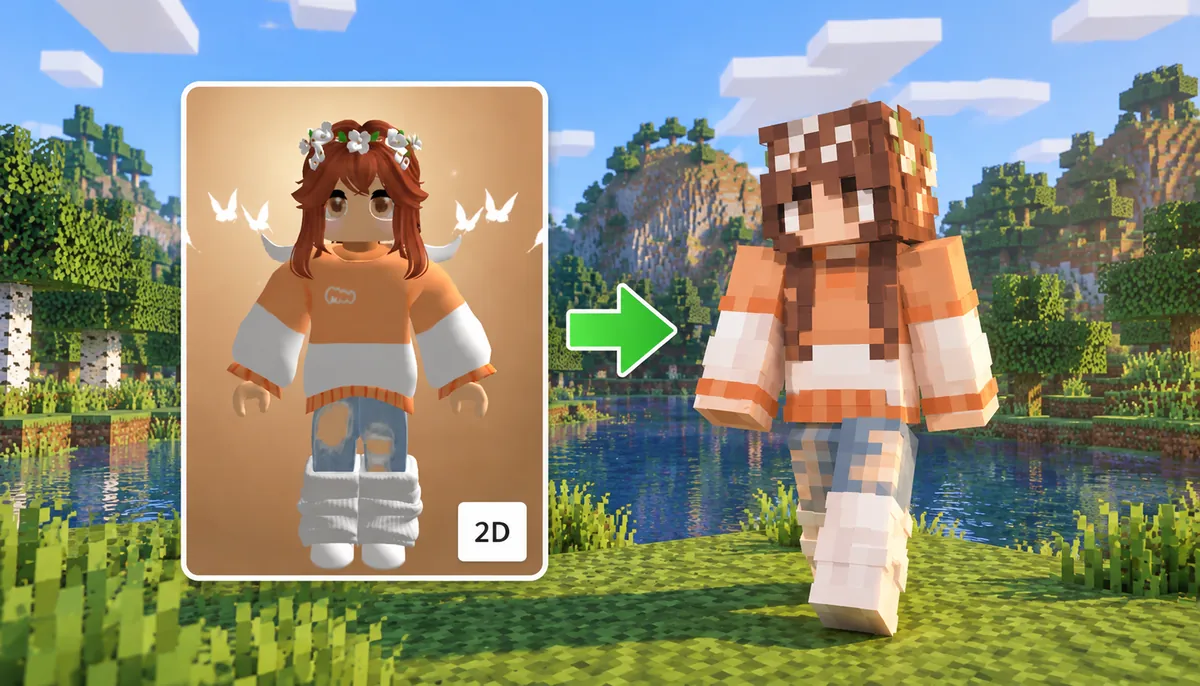
Your Roblox avatar already has a look: the hair, outfit, colours and small details you picked to make the character recognizable. If you also play Minecraft, you do not necessarily have to start again with Steve, Alex or a completely unrelated skin.
You can use your Roblox avatar as the visual reference for a new Minecraft skin. The important part is understanding that you are recreating the character, not transferring the Roblox avatar itself. Roblox can combine clothing, body types and 3D accessories, while a traditional Minecraft skin has to express the same idea on a much simpler block-shaped character.
Start With a Clear Picture of Your Roblox Avatar
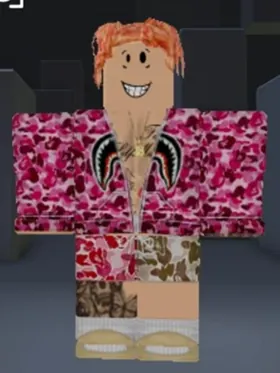
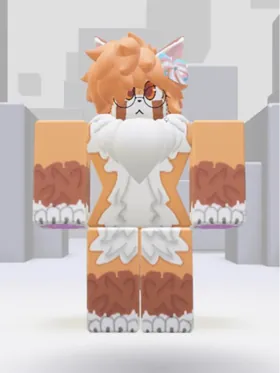
Before making the Minecraft version, get a clean view of the Roblox character you actually want to recreate. A front-facing screenshot with the full avatar visible is usually much more useful than an action shot, a distant profile picture or an image where half of the outfit is hidden.
Look at the screenshot as a reference sheet. The useful information is not that the character came from Roblox; it is the combination of visual features that makes that particular avatar recognizable.
- Hair shape and colour
- Shirt, jacket or other upper-body clothing
- Pants, skirt or lower-body colours
- Face and skin tone
- Dominant colour combinations
- Glasses, hats and other recognizable accessories
- Small details that distinguish the outfit from a generic character
If an accessory is important, choose an angle where it can actually be seen. A screenshot cannot provide useful information about a detail that is completely hidden behind the character.
Decide What Actually Makes the Avatar Recognizable
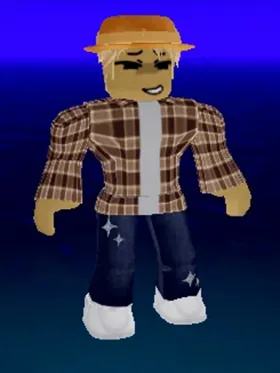
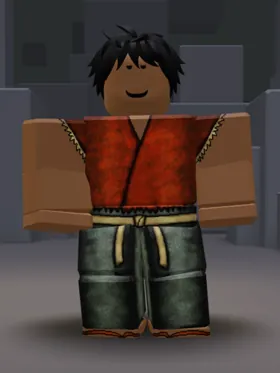
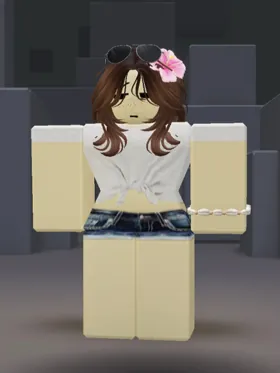
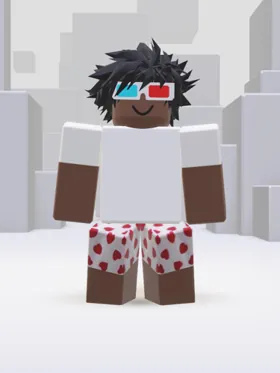
Not every Roblox detail needs equal attention. Focus on the features that define the character at a glance: distinctive hair, clothing, colours, facial details and accessories that can still read clearly within Minecraft's limited pixel space.
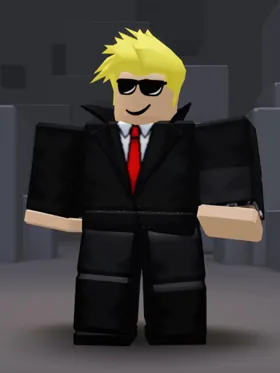
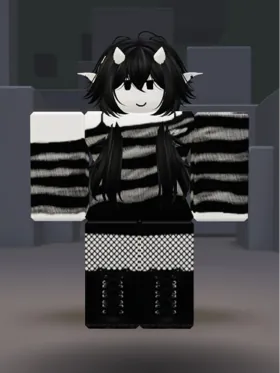
For example, blond hair, black sunglasses, a black suit and a bright red tie create an instantly recognizable combination. The same principle applies to more complex avatars: a hairstyle or striped sweater may matter more than a tiny necklace or the exact shape of a shoulder accessory. Keep the details people would notice first.
Translate the Outfit Instead of Copying Its Shape
Roblox and Minecraft characters are built differently, so the goal is to translate the avatar's most recognizable features into Minecraft pixels. Clothing, hair and accessories may need to be simplified while keeping the colours, patterns and details that make the original character recognizable.
| Roblox feature | Minecraft approach |
|---|---|
| Hair | Rebuild the shape with head pixels and the outer skin layer |
| Shirt or jacket | Carry its colours and defining details across the torso and arms |
| Pants or skirt | Translate the design across the legs and lower torso |
| Glasses | Reduce them to a readable pixel pattern around the face |
| Hat or head accessory | Approximate its visible shape using the head and outer layer |
| Large 3D accessory | Simplify it, represent it graphically or leave it out |
Convert Your Roblox Avatar to a Minecraft Skin With AI
AI makes the conversion fast: upload a clear image of your Roblox avatar to the Roblox to Minecraft skin converter and generate a playable Minecraft skin based on its hair, outfit, colours and recognizable details. Instead of rebuilding the character pixel by pixel, you get a Minecraft-ready version that you can preview and download.
Review and Edit Your Minecraft Skin
Check the finished skin from the front, back and sides to make sure important details carried over correctly. If you want to adjust the hair, clothing, colours or individual pixels, open the skin in the Minecraft skin editor and make the changes before downloading your final version.
Put the Finished Skin Into Minecraft
Once the design is finished, download the Minecraft skin PNG. In Java Edition, Minecraft officially supports uploading a custom skin and choosing the Classic or Slim model through your Minecraft profile or the Minecraft Launcher.
Bedrock handles character customization differently through the Dressing Room and Character Creator, and custom-skin importing depends on the platform. Minecraft's own help documentation confirms custom skin importing on supported Bedrock platforms such as Windows and mobile, while consoles have different restrictions.
Not sure which route applies to you? Our guide on how to import a custom Minecraft skin walks through both editions step by step.
What Makes a Roblox Avatar Work Well as a Minecraft Skin?
The best results are not necessarily the simplest Roblox avatars. What matters more is whether the character has a strong visual identity that can survive Minecraft's limited geometry.
Distinct colour blocking, recognizable hair, bold clothing patterns and a few signature details translate well. An avatar built mainly around oversized 3D objects is harder because those objects have nowhere to physically exist on a standard Minecraft skin.
Roblox Avatar to Minecraft Skin FAQ
Can I make a Minecraft skin from my Roblox avatar?
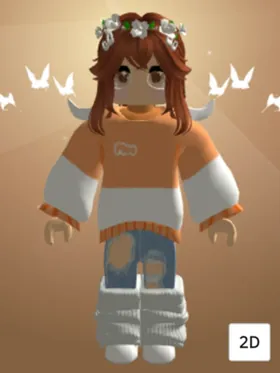
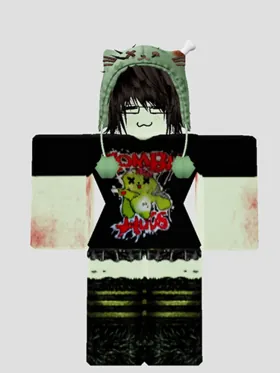
Yes. Use a clear image of your Roblox avatar as a visual reference and recreate its recognizable hair, clothing, colours and facial details on a Minecraft character. You can do this manually or use an AI tool to generate the first skin.
Can I use a Roblox skin directly in Minecraft?
No. A Roblox avatar is not a Minecraft skin file. The character's appearance has to be recreated as a Minecraft-compatible skin rather than simply uploading Roblox avatar data into Minecraft.
How do I turn my Roblox avatar into a Minecraft skin?
Take a clear screenshot of the avatar, upload it to the Roblox to Minecraft skin tool, generate the skin, check the result in 3D and edit any details that need correction before downloading the final PNG.
Can Roblox accessories appear on a Minecraft skin?
Some can be represented visually, but a normal Minecraft skin cannot reproduce arbitrary Roblox 3D accessories. Glasses, hats, hair and similar features may be simplified into pixel artwork, while very large or complex accessories may need to be reduced or omitted.
Can I make my Minecraft skin look exactly like my Roblox avatar?
Not exactly. The two games use different character systems and proportions. The better goal is to preserve the avatar's recognizable identity: its colours, outfit, hair, face and most important accessories.
Do I need to know pixel art to make a Minecraft skin from Roblox?
No. AI can create the initial Minecraft skin from an avatar image, after which you can use a skin editor for small corrections. Manual pixel-art skills are useful if you want precise control, but they are not required to get started.
Should I use a Classic or Slim Minecraft skin for my Roblox avatar?
Either can work. Classic uses wider four-pixel arms and Slim uses three-pixel arms. Choose the model that best suits the character and make sure the finished skin is mapped for that model.
Can I use the finished Roblox-inspired skin in Minecraft Java Edition?
Yes. Java Edition supports custom skin PNGs. Upload the finished skin through your Minecraft profile or the Minecraft Launcher and select the correct Classic or Slim model.